3DeVOK
3DeVOK Studio
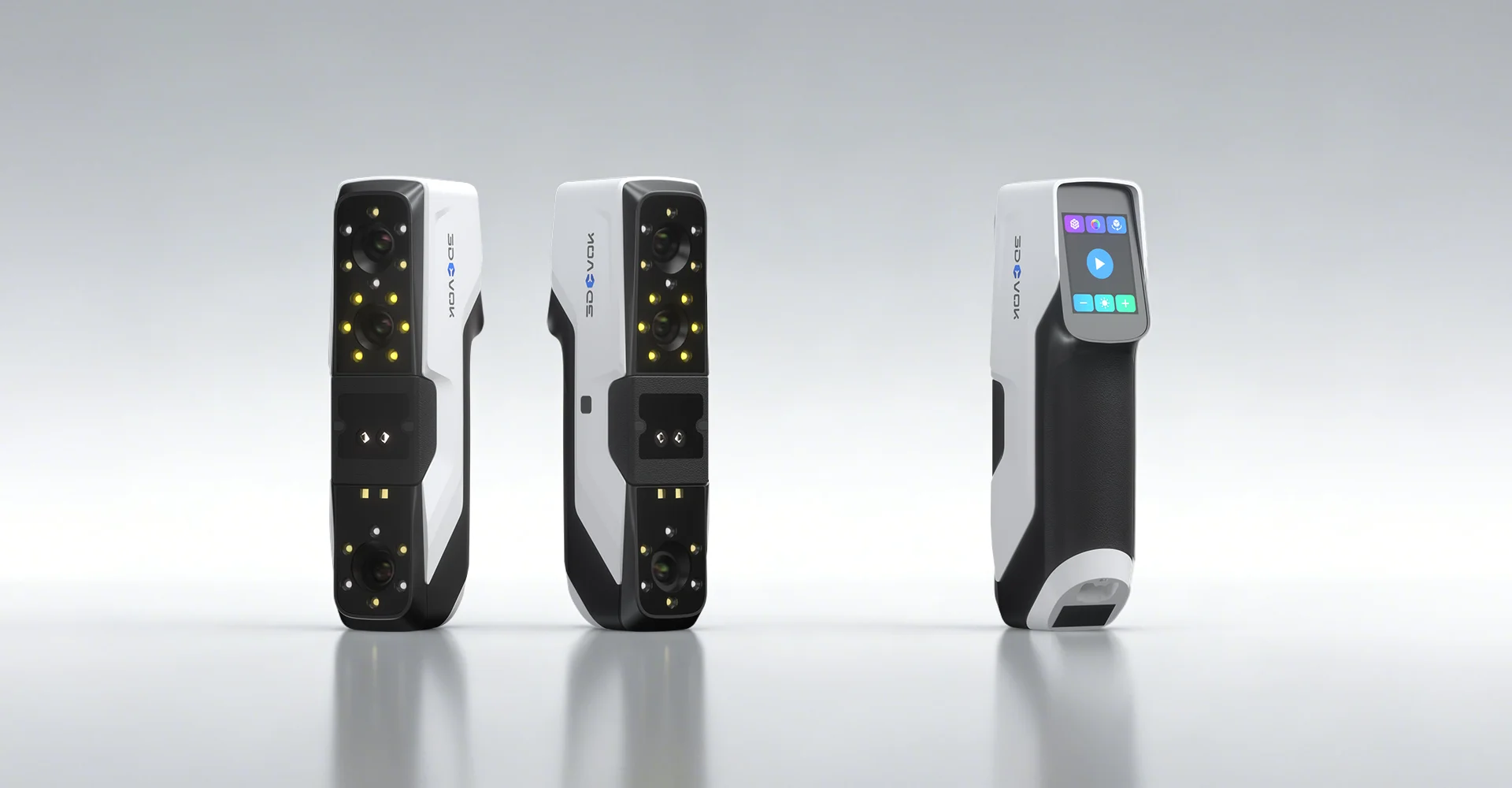
From first capture to a finished 3D model.
Explore the product ↗01 / OVERVIEW
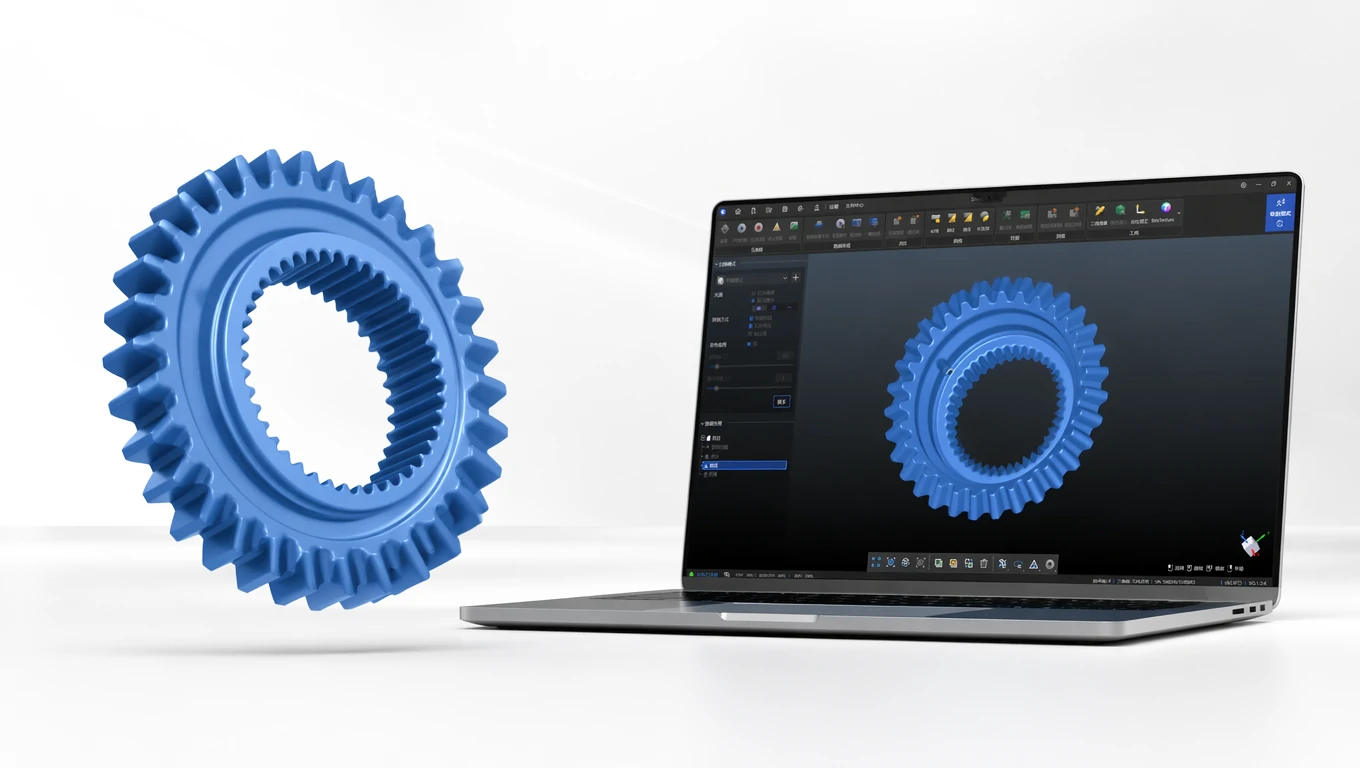
Two infrared modes for capturing geometry and colour appearance. MQ links object digitisation, creative work and model preparation for further processing.
declared accuracy up to
* Accuracy is declared under the manufacturer's test conditions. Results depend on mode, alignment and scanning conditions.colour capture
scanner weight
02 / ORIGINAL 3DEVOK PRESENTATION
Watch the full product presentation.
03 / SCANNING MODES
For small and medium objects and complex surfaces.
04 / TWO INFRARED MODES
The infrared laser is for small and medium objects. Structured light extends capture to larger surfaces and the human body. In the same scanner you choose the mode that suits the geometry.
05 / GEOMETRY-BASED ALIGNMENT
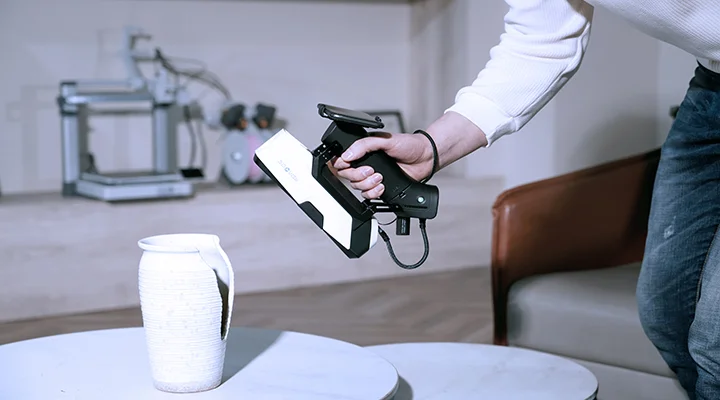
On suitable surfaces MQ uses geometry and texture for marker-free alignment. For more demanding objects you can choose marker alignment.
06 / 24-BIT COLOUR
Colour capture links shape, texture and colour detail. The result is data for digital collections, creative work and product presentation.
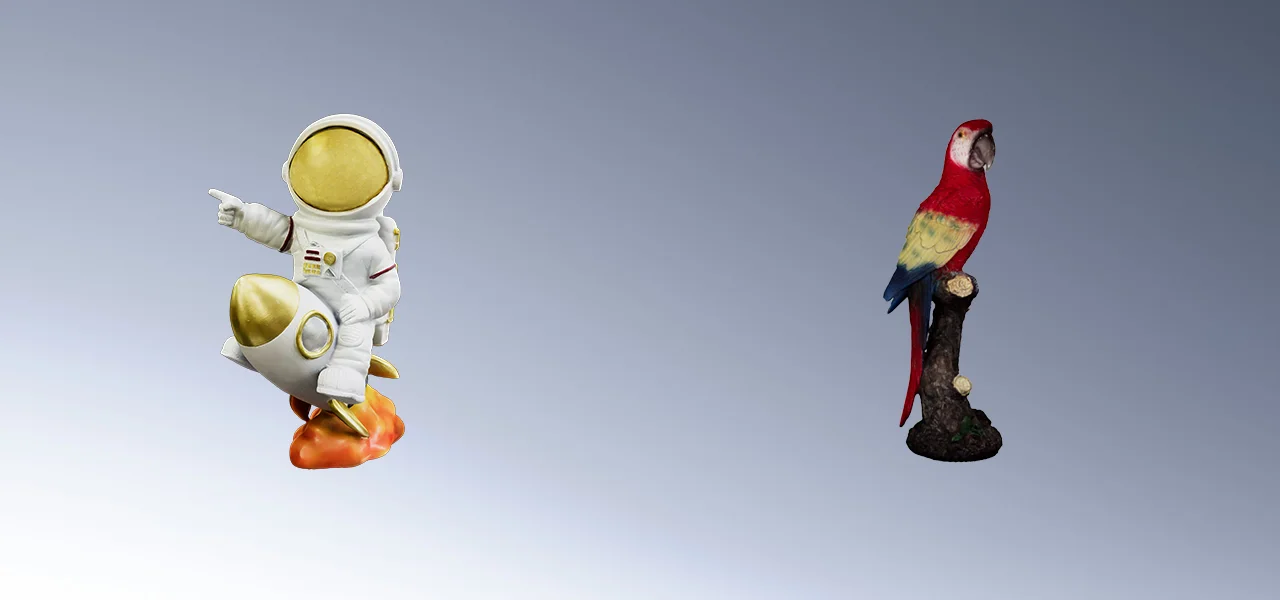
07 / WITH AIRGO
The optional Airgo wireless grip lets you move around larger objects. You follow scanning progress on a phone or tablet.
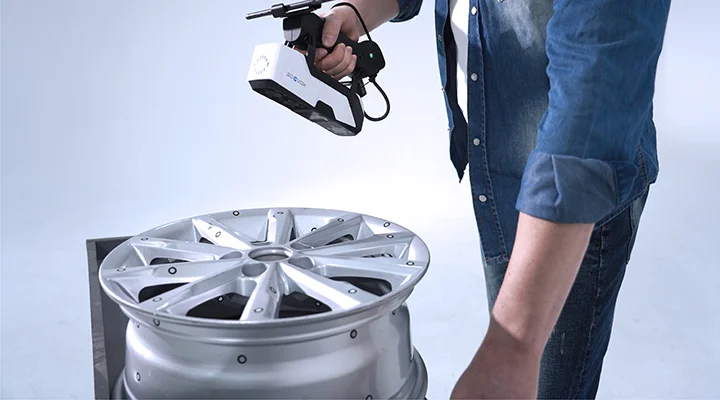
08 / FROM OBJECT TO PRODUCTION
Process the scan, check the geometry and export to a format suitable for print preparation. MQ supports STL and OBJ export.
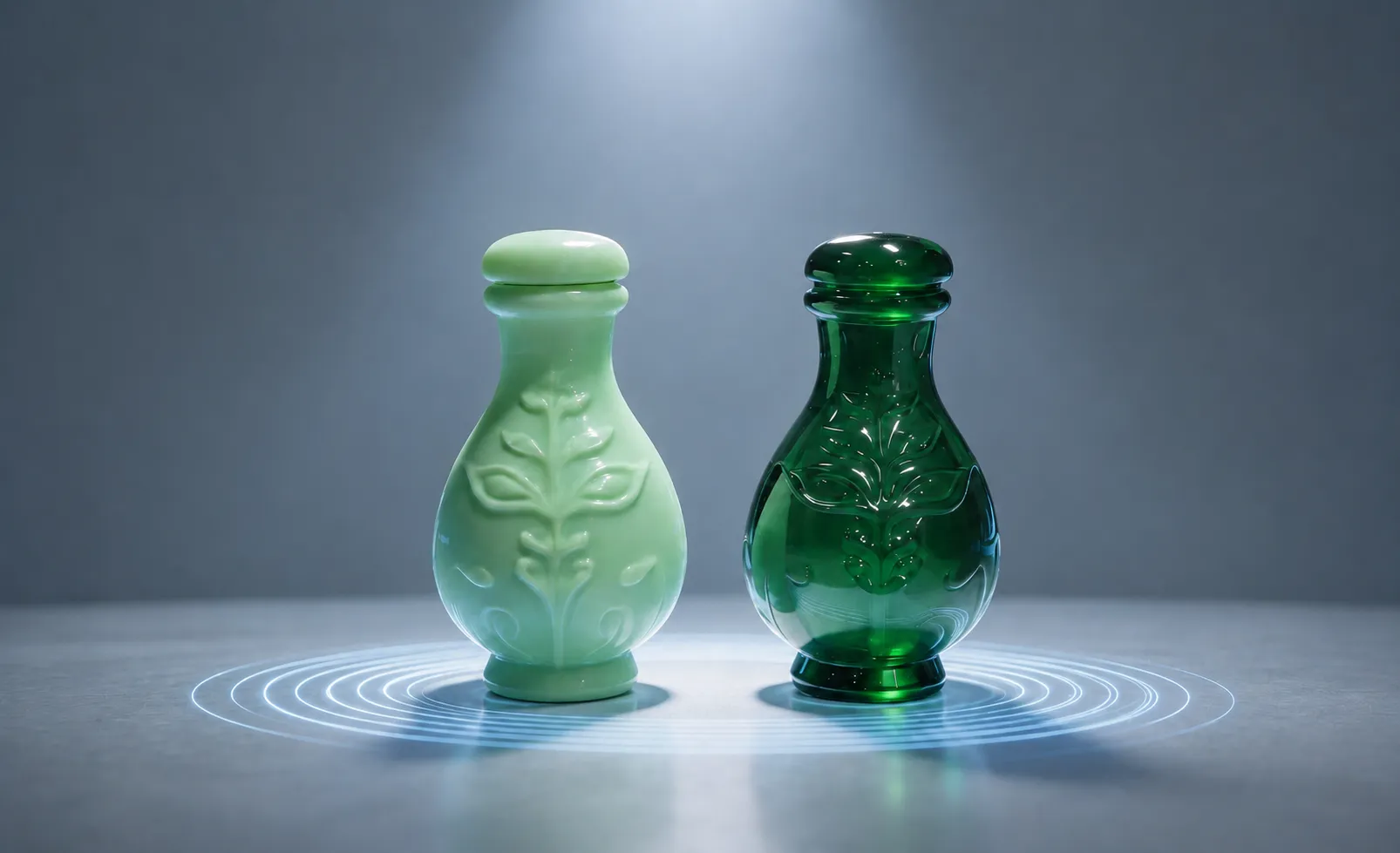
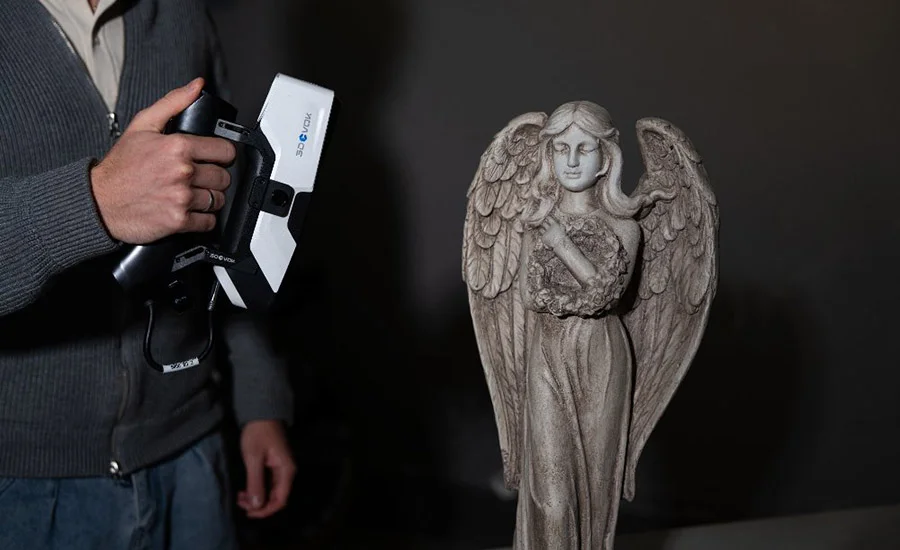
09 / ART AND DESIGN
Capturing sculptures and decorative objects creates a digital starting point for design, documentation and further processing.
MANUFACTURER VIDEO / YOUTUBE
See the process and features in the official video presentation.
Open video on YouTube10 / TECHNICAL DATA
A selection of key parameters. When choosing, consider object size, required accuracy and working conditions.
* Accuracy is declared under the manufacturer's test conditions. Results depend on mode, alignment and scanning conditions.
11 / RELATED EQUIPMENT
3DeVOK
From first capture to a finished 3D model.
Explore the product ↗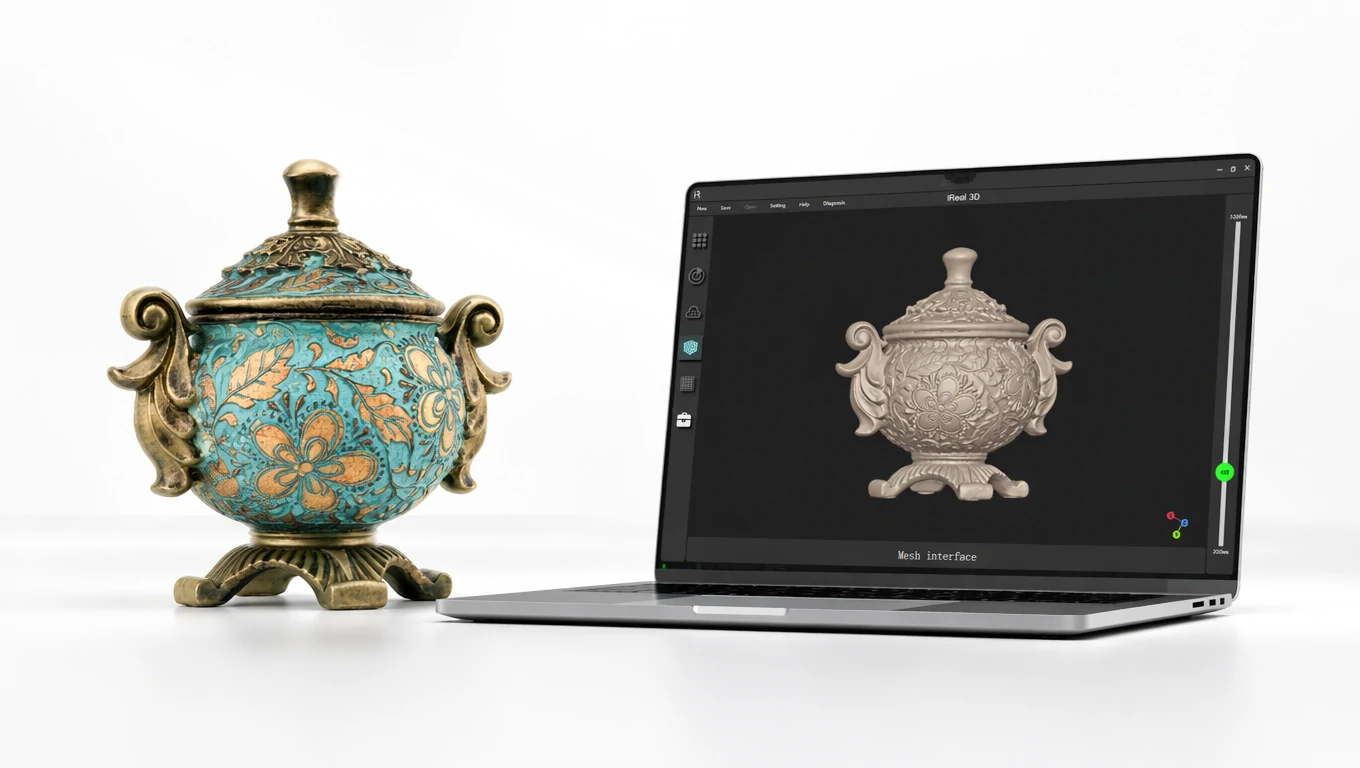
3DeVOK
Add a convincing colour appearance to geometry.
Explore the product ↗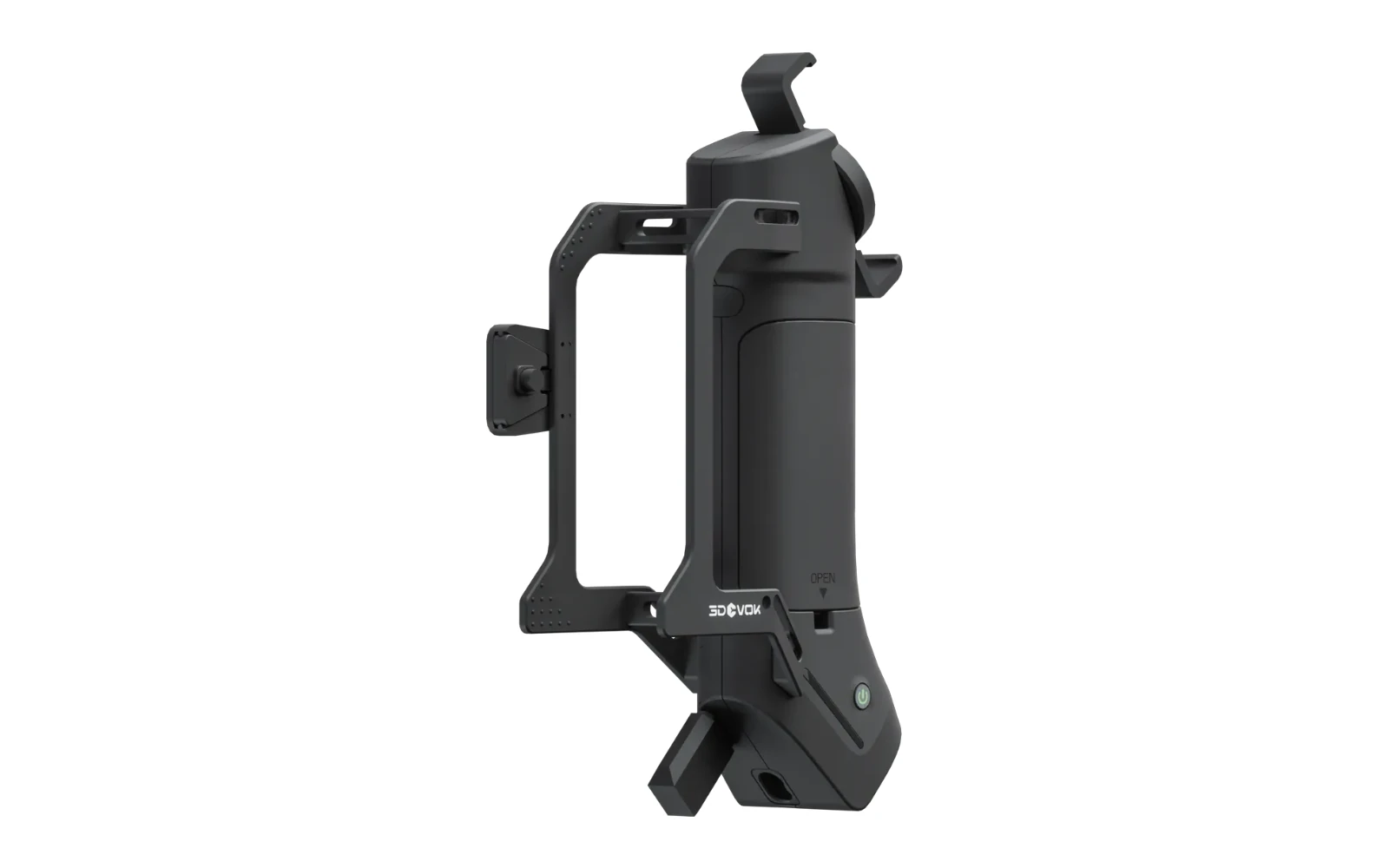
3DeVOK
More freedom to move around the object.
Explore the product ↗3D ING / TALK ABOUT YOUR PROJECT
What do you want to scan and what result do you need?
Describe the object, its size, material and the intended use of the data. Together we can clarify the basis for choosing equipment.