02 / GEOMETRY
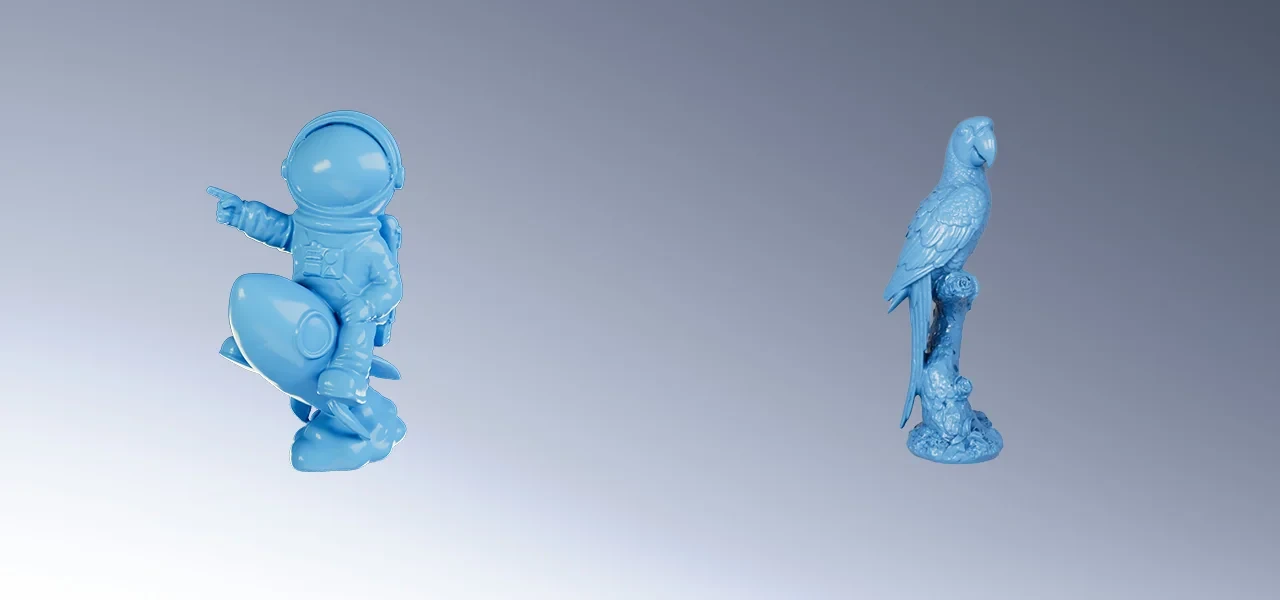
Shape is the basis of the digital model.
Mesh cleaning and optimisation prepare the geometry for further use. Geometric detail and colour data each play their own role in presenting the object.
SOLUTIONS / COLOUR MODELS
A colour 3D model combines the object's geometry with surface appearance data. It is useful for presentations, creative projects and digital collections.
Discuss a solution Explore the workflow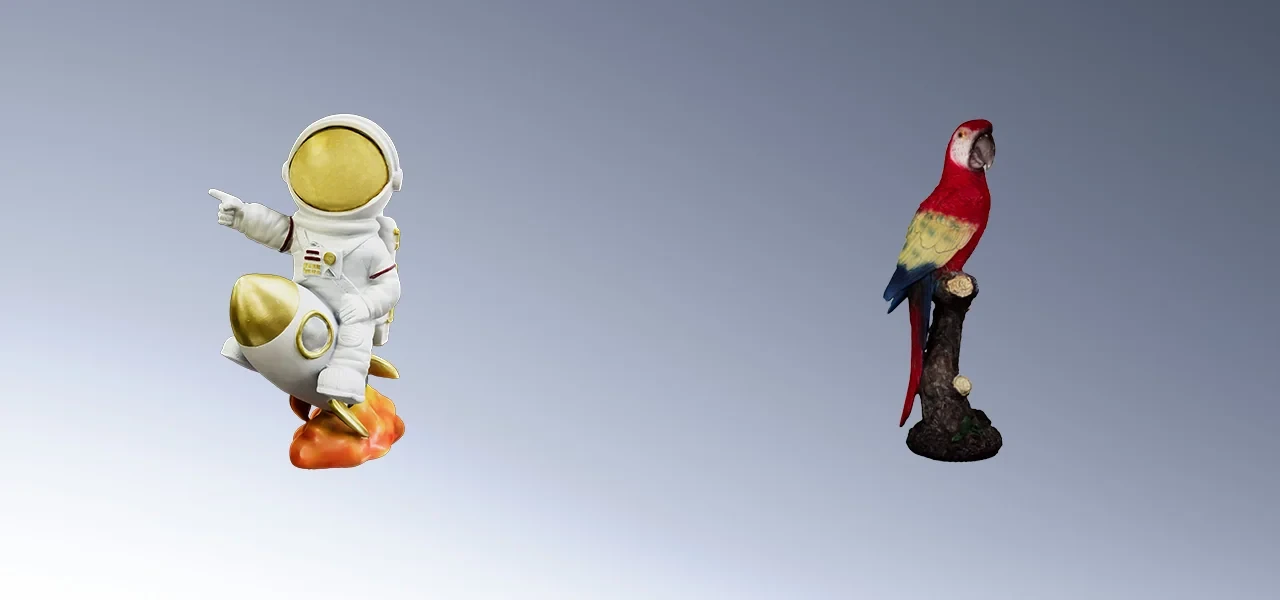
01 / CAPTURING APPEARANCE
A colour 3D model combines the object's geometry with surface appearance data. Object preparation, capture method and lighting all affect further processing.
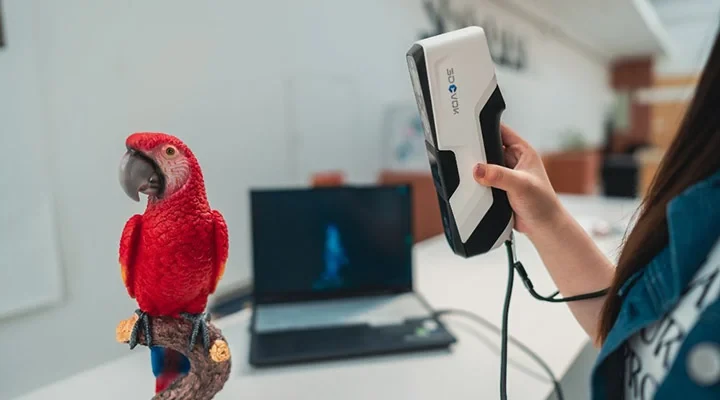
FROM OBJECT TO USABLE DATA
02 / GEOMETRY
Mesh cleaning and optimisation prepare the geometry for further use. Geometric detail and colour data each play their own role in presenting the object.
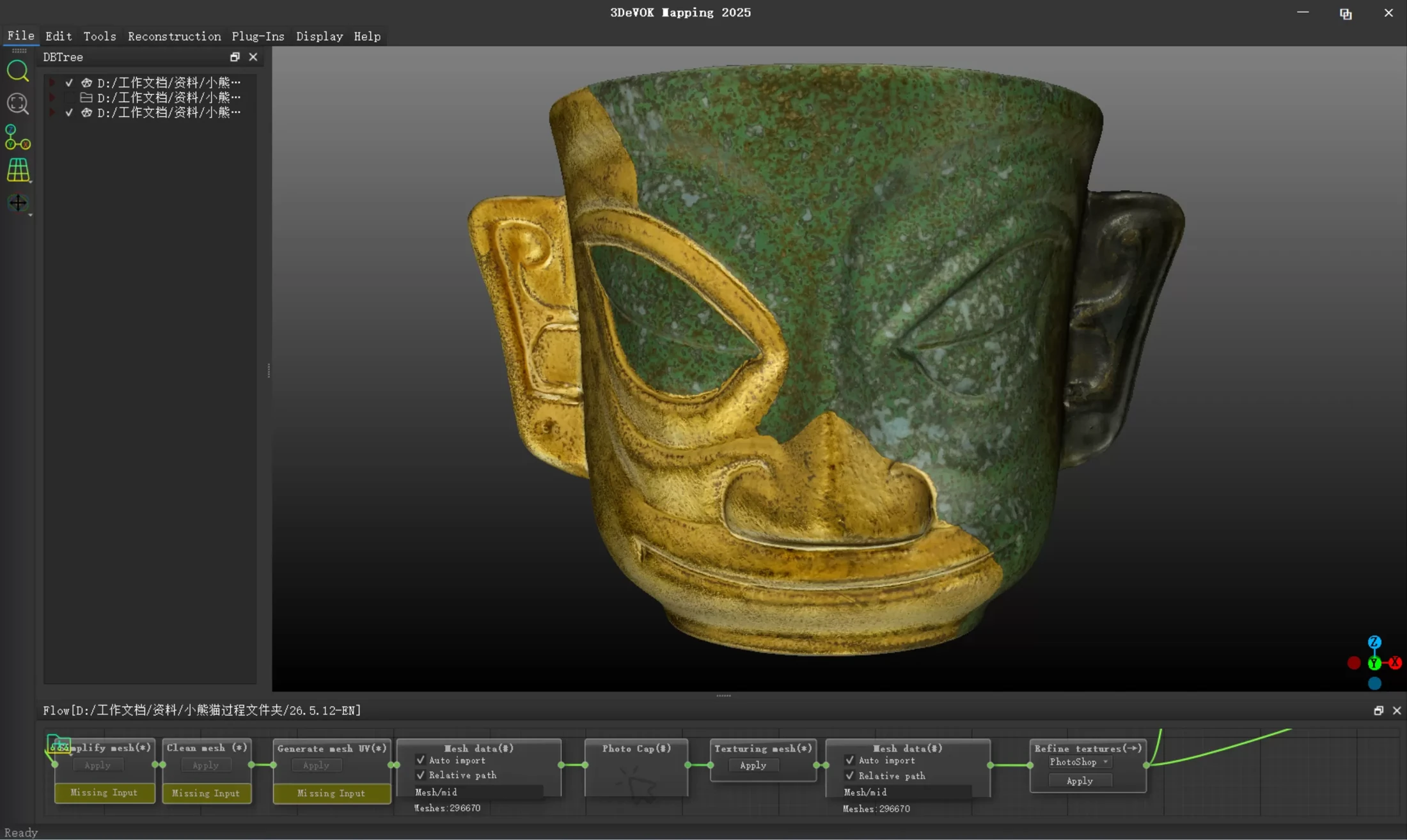
03 / TEXTURE
If needed, we add further texture processing. Software such as 3DeVOK Mapping links photos to geometry to prepare the surface appearance of the digital model.
04 / DIGITAL PRESENTATION
To carry colour, we choose a format and target tool that support the texture encoding used. On export we keep the accompanying texture files and check the display in the chosen environment.
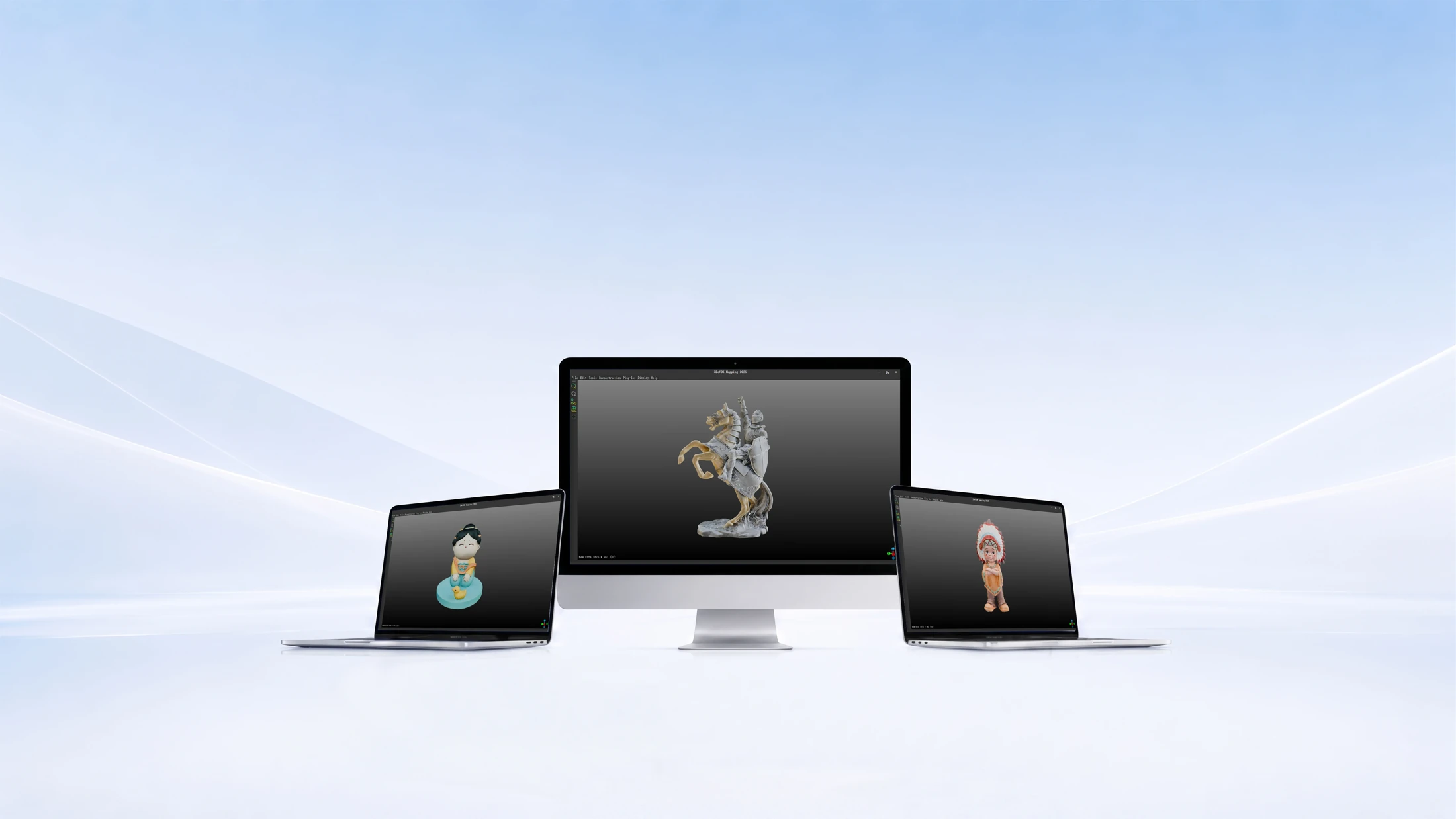
EXAMPLE TASKS
Models for digital viewing that keep visual characteristics.
Bringing objects into digital design and visualisation.
Shape and colour appearance linked in a documented model.
WORKFLOW / BASIS FOR CHOICE
To carry colour, we choose a format and target tool that support the texture encoding used. The accompanying texture files must be kept on export.
Enquiry checklistMatch material, lighting and capture method.
Capture the object's shape and surface appearance data.
Prepare the geometry for further use.
If needed, link photos to the geometry and process the texture.
Keep the accompanying files and check the full colour model.
EXPLORE RELATED EQUIPMENT
3DeVOK
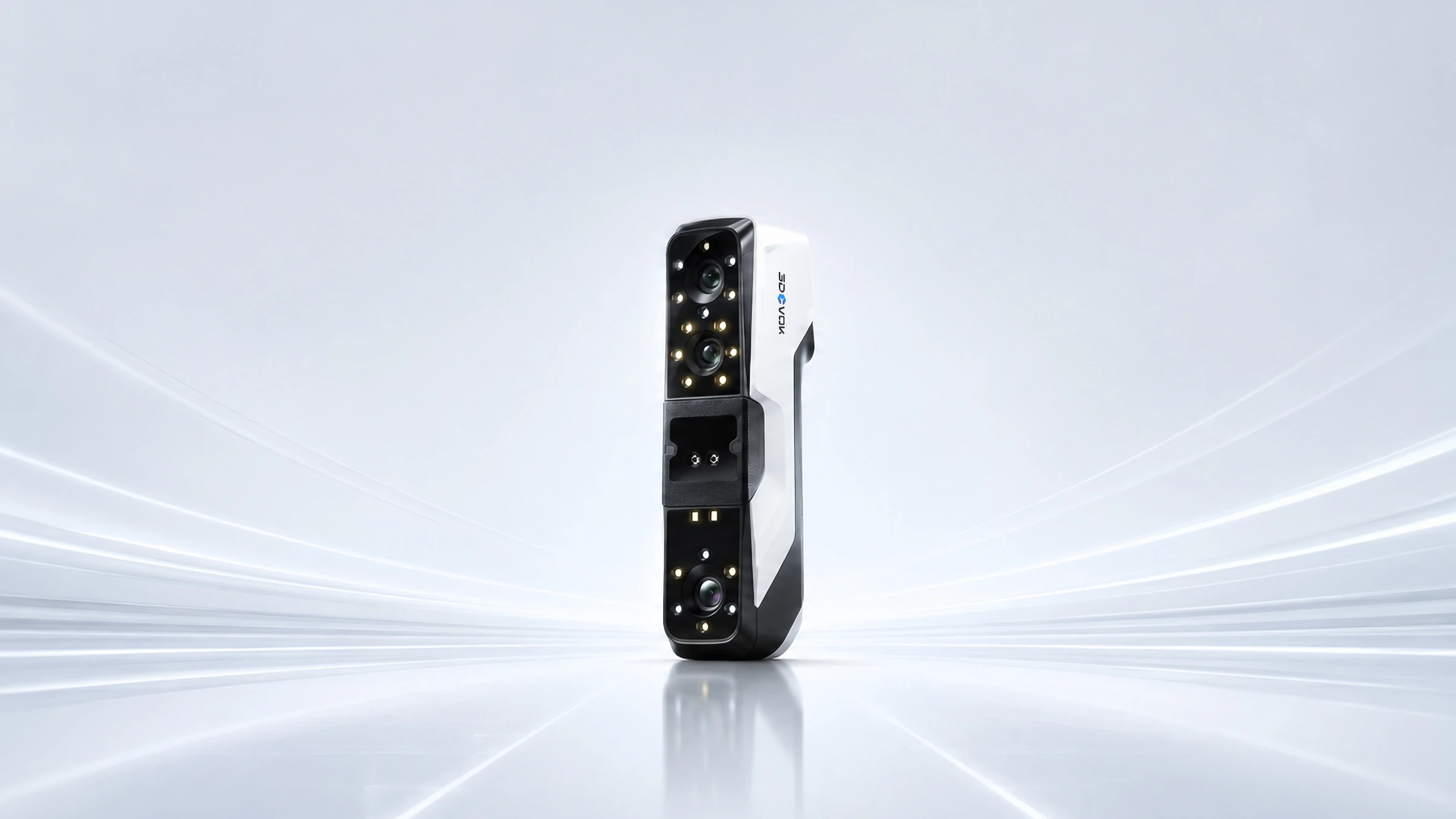
Shape and colour. In one workflow.
Explore the product ↗3DeVOK
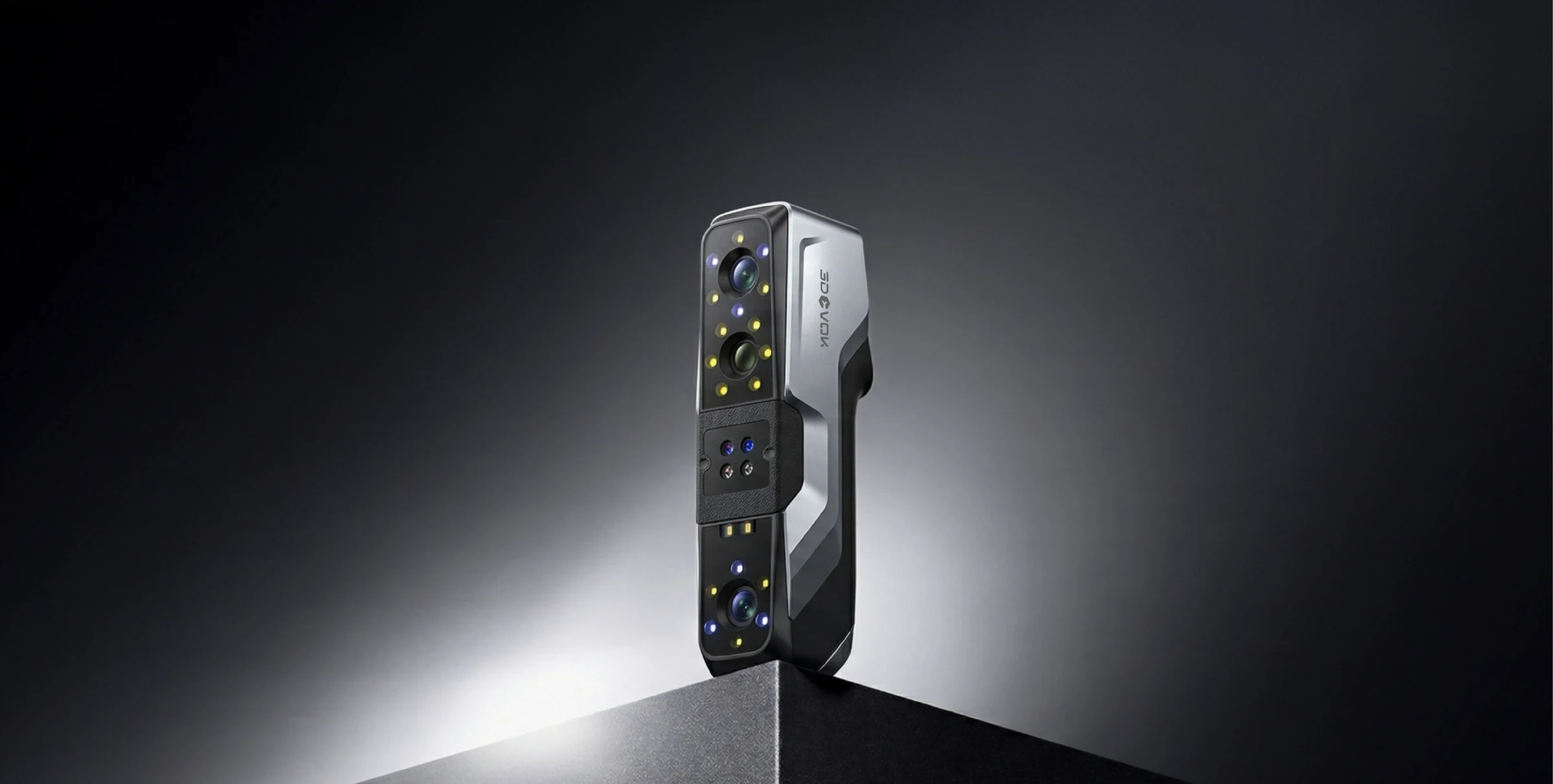
Three capture modes. More options for your object.
Explore the product ↗3DeVOK
Four light modes. Details that count.
Explore the product ↗3D ING / TALK ABOUT YOUR PROJECT
WHAT TO INCLUDE IN YOUR ENQUIRY
Object size and material, required texture quality, target viewer and intended use of the model.
What do you want to scan and what result do you need?
Describe the object, its size, material and the intended use of the data. Together we can clarify the basis for choosing equipment.