3DeVOK
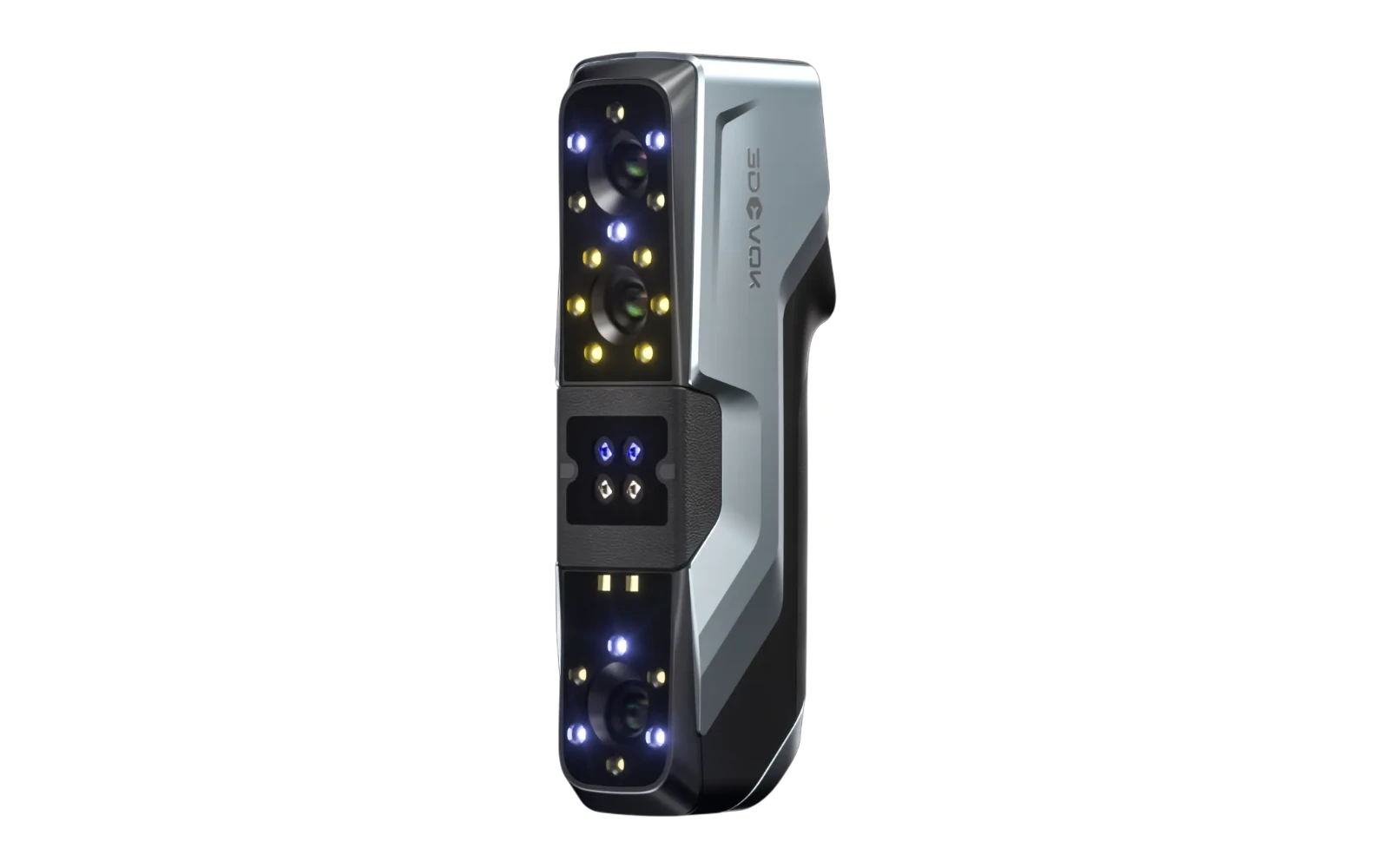
3DeVOK MT
Three capture modes. More options for your object.
Explore the product ↗3DeVOK / PROFESSIONAL 3D SCANNER
Four light modes. Details that count.
Book a demonstration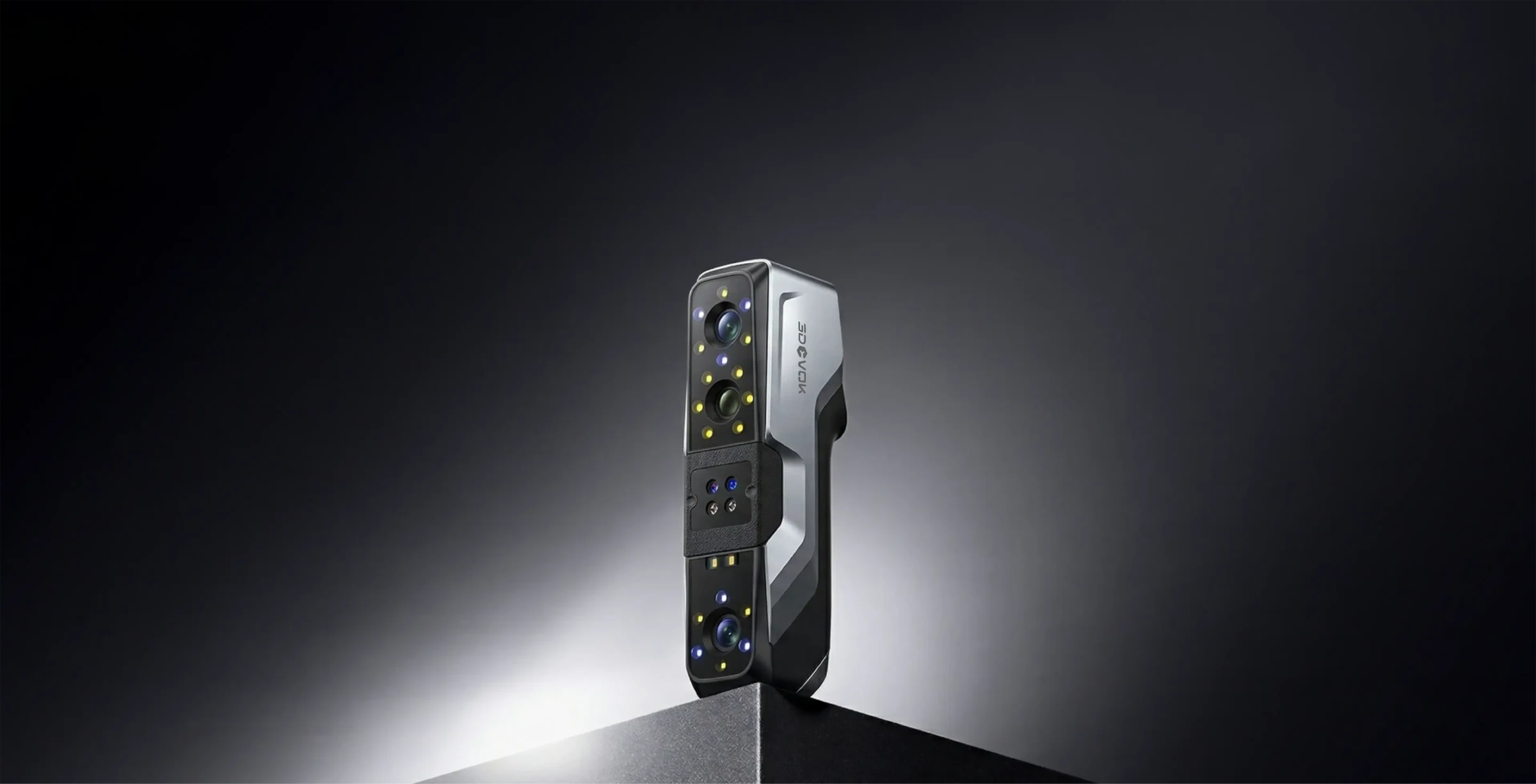
01 / OVERVIEW
From demanding mechanical parts to colour objects. MT Gen2 combines four light modes for industrial design, reverse engineering and fine geometry capture.
basic accuracy up to
Blue laser with markers, manufacturer's test conditions.minimum point spacing
Parallel blue laser line mode.light sources
02 / ORIGINAL 3DEVOK PRESENTATION
Watch the full product presentation.
03 / SCANNING MODES
For fast general capture of complex parts.
04 / FOUR LIGHT MODES
Cross blue laser for general capture, parallel lines for fine features, a single line for hard-to-reach areas and infrared structured light for larger surfaces.
05 / FINE FEATURES
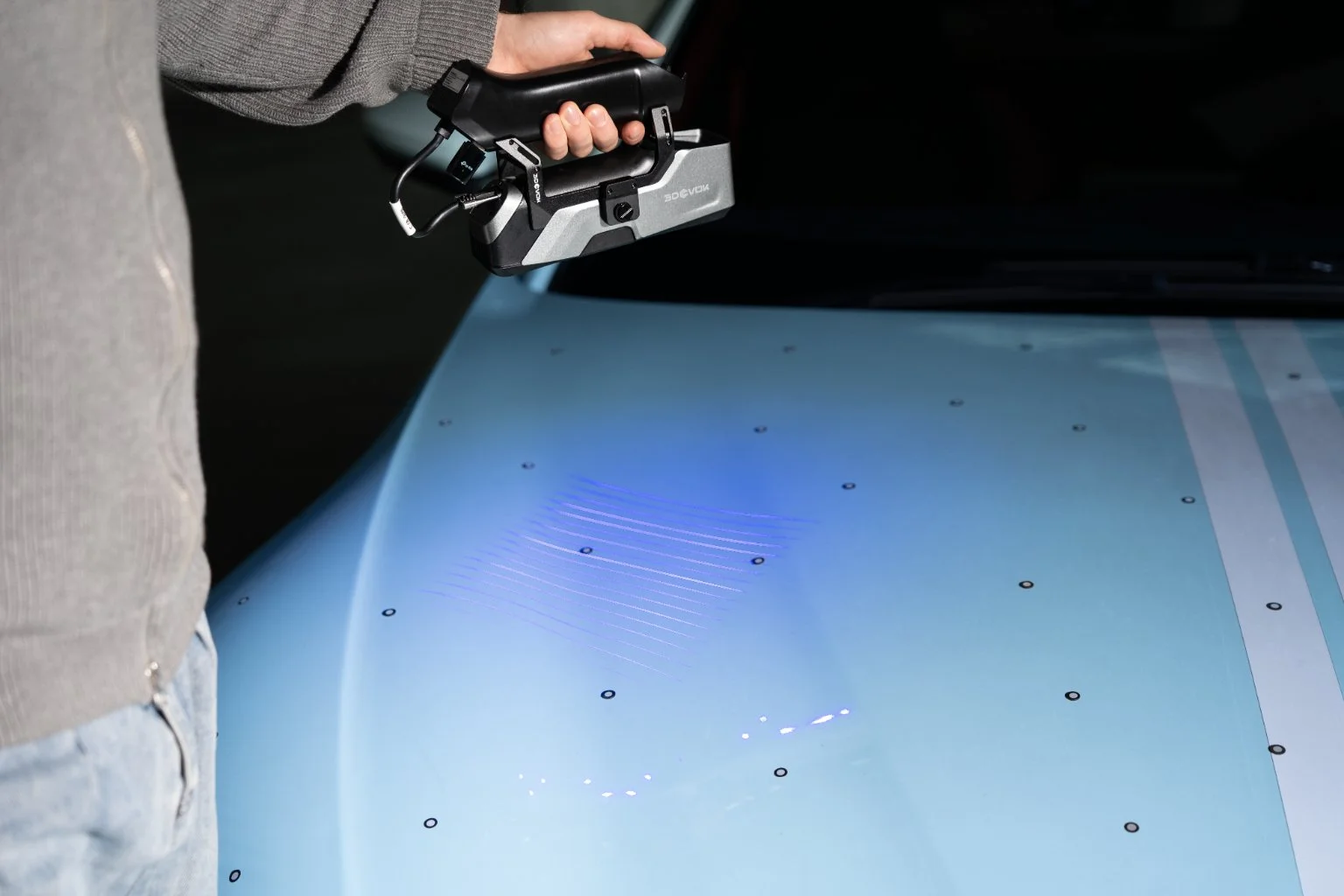
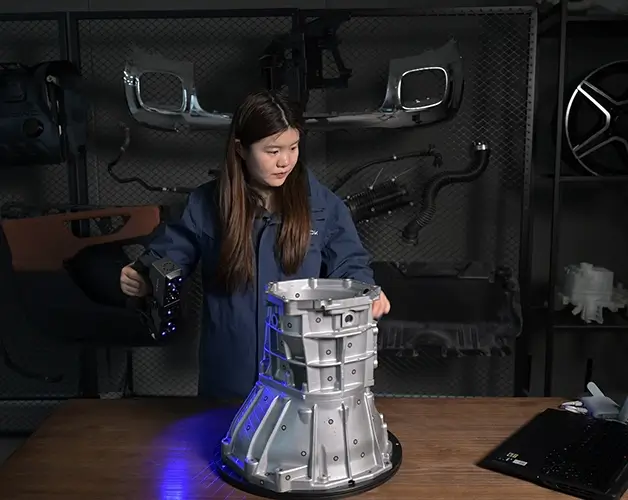
Parallel blue laser line mode allows a minimum point spacing of 0.05 mm. Choose it for small features and locally detailed geometry.
06 / SINGLE LASER LINE
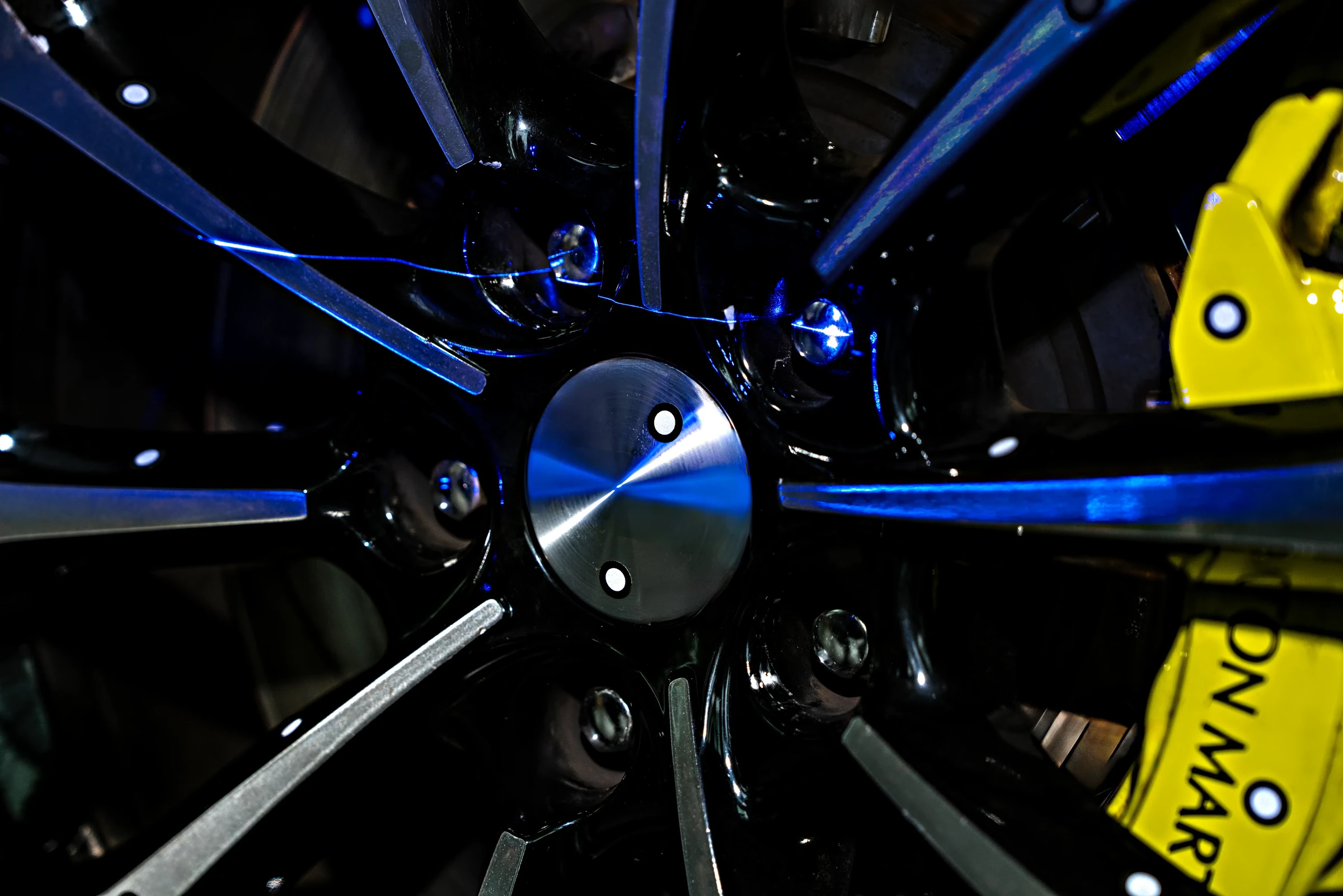
A single blue laser line extends capture of deep holes and hard-to-reach areas. Choose the mode according to shape and surface accessibility.
07 / DIFFERENT MATERIALS
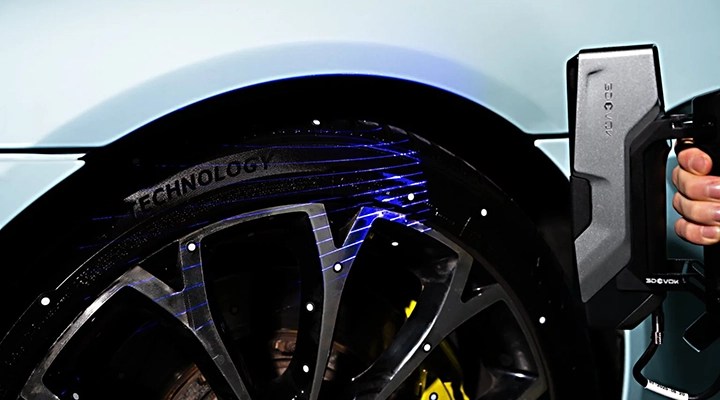
Blue laser modes are also suited to dark and reflective surfaces. Check suitable settings on the actual material and required geometry.
08 / COLOUR CAPTURE
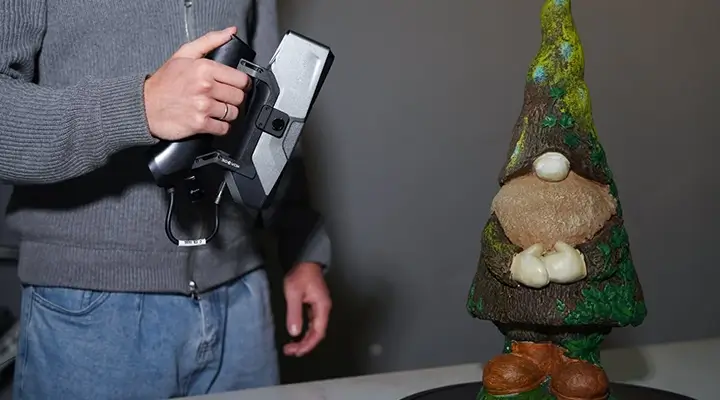
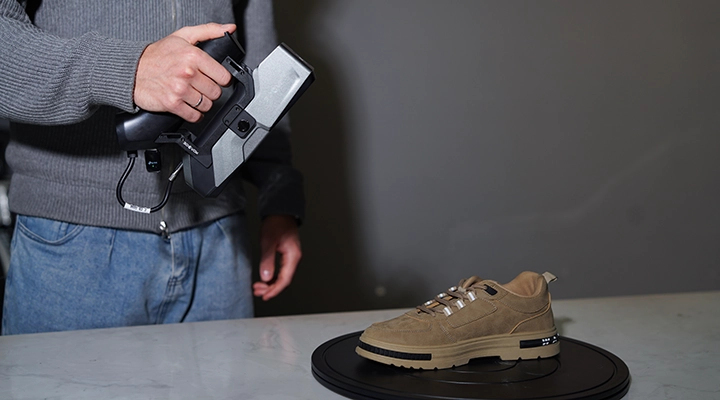
Colour and texture add context to the digital model. Use them in design, object documentation and visual presentation.
09 / OPTIONAL AIRGO GRIP
Airgo enables wireless use and progress monitoring on a phone or tablet. It suits work around larger objects and field projects.
10 / BEYOND THE SCAN
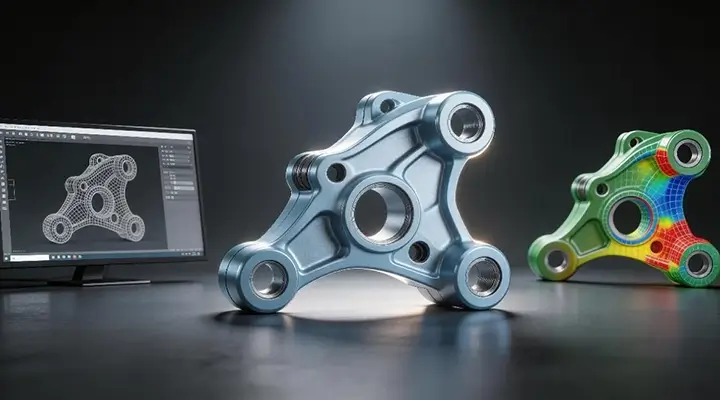
Process the scanned data and transfer it to dedicated design or metrology software. The model becomes the basis for reconstruction, adaptation and geometry comparison.
MANUFACTURER VIDEO / YOUTUBE
See the process and features in the official video presentation.
Open video on YouTube11 / TECHNICAL DATA
A selection of key parameters. When choosing, consider object size, required accuracy and working conditions.
* The manufacturer ties accuracy to blue laser mode with markers and its own test conditions. Results depend on mode and scanning conditions.
12 / RELATED EQUIPMENT
3DeVOK
Three capture modes. More options for your object.
Explore the product ↗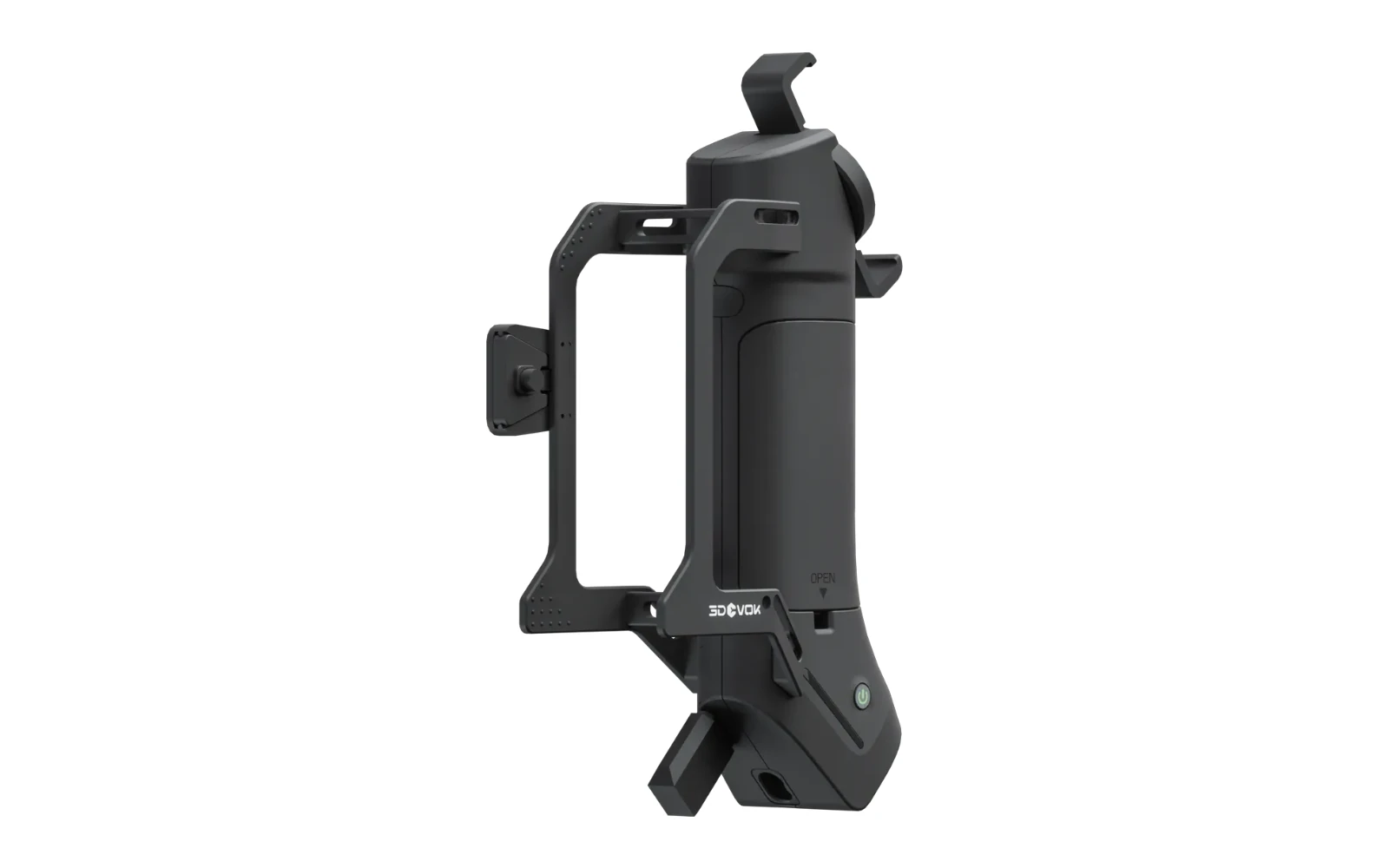
3DeVOK
More freedom to move around the object.
Explore the product ↗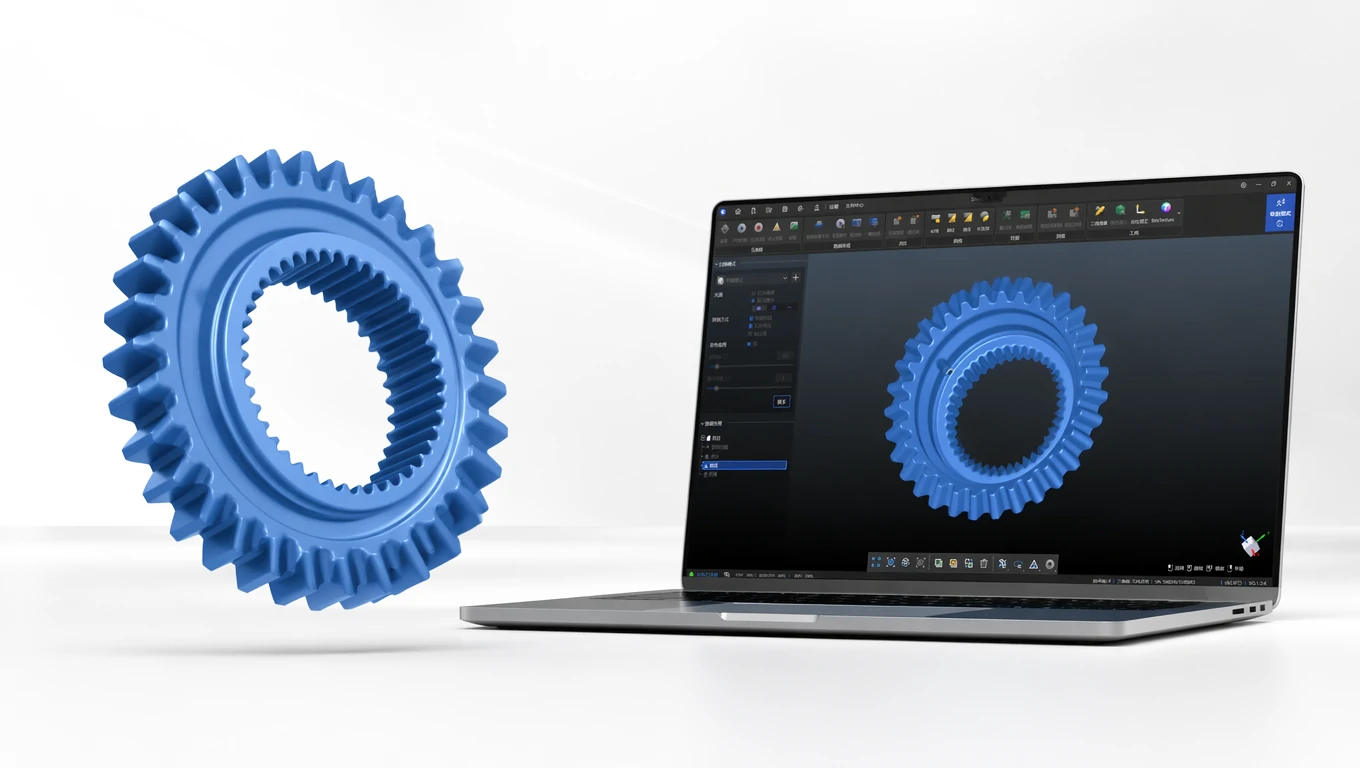
3DeVOK
From first capture to a finished 3D model.
Explore the product ↗3D ING / TALK ABOUT YOUR PROJECT
What do you want to scan and what result do you need?
Describe the object, its size, material and the intended use of the data. Together we can clarify the basis for choosing equipment.