3D ING / SUPPORT
The right instructions.
For your model.
Manuals, brochures and direct contact for questions about equipment. Start with the exact model name of the device or software.
01 / Manufacturer documents
Model name first.
Then the manual.
Choose the document for MQ, MT or MT Gen2. The models differ, so the manuals are not interchangeable. Quick start guides are marked version V1.7; follow the document for your model.
02 / Support question
Tell us where the process stops.
Include the device model, software version, a description of the problem and the steps where it occurs. If needed, add a screenshot without passwords or other access data. That way your question is clear from the first contact.
Include in your message
- 01
Device model
Exact name of the scanner or other equipment.
- 02
Software version
The software you work with.
- 03
Process description
The steps where the problem occurs.
- 04
Screenshot
If needed, without passwords or access data.
03 / Software
The software version is part of the configuration.
When installing or updating, check compatibility with the device and your working environment. Downloads on this page contain documentation. For the right installer version or licence, contact 3D ING.
3DeVOK Studio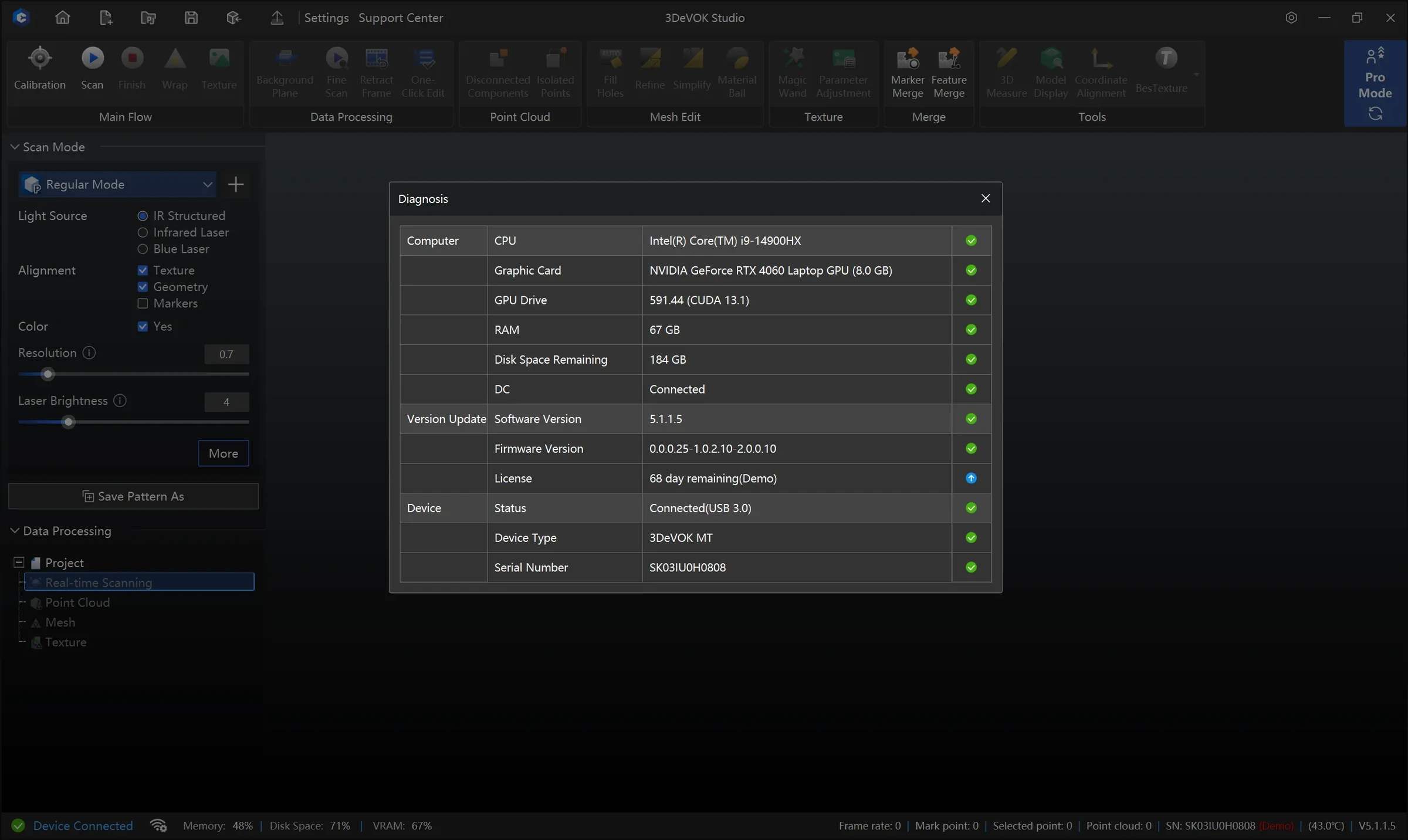
04 / Confidential material
Agree on the transfer method before sending.
For an initial description, the equipment model and a description of the process and problem are usually enough. For design files or other confidential material, first agree on a suitable transfer method.
FAQ
Before the next
step.
Which document do I choose for MT Gen2?
Use the document labelled MT Gen2. The MT manual does not replace the MT Gen2 manual.
Which manual version should I download?
The quick start guides on this page are version V1.7. Before use, check that the model name and software environment match your equipment.
Are installers included in the downloads?
Downloads on this page are manuals and brochures in PDF. For the right installer and licence, contact 3D ING.
Continue exploring
3D ING / Talk about your project
Need help
with your equipment?
State the model, software version and a short description of the problem.
For equipment choice, also describe the object, its size, material and the intended use of the data.
+386 41 638 077