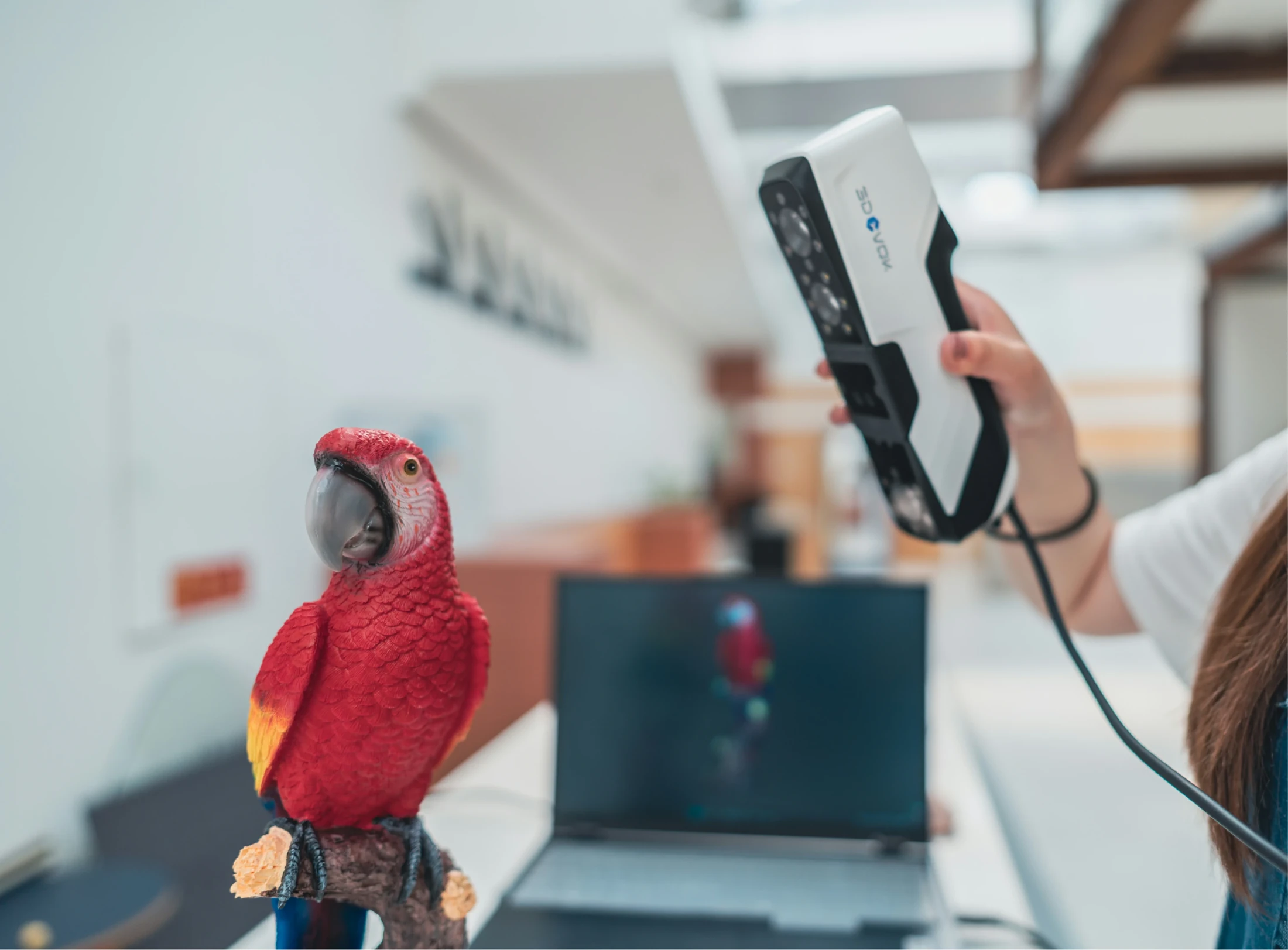
02 / TEACHING COLLECTIONS
Explore shape together with colour.
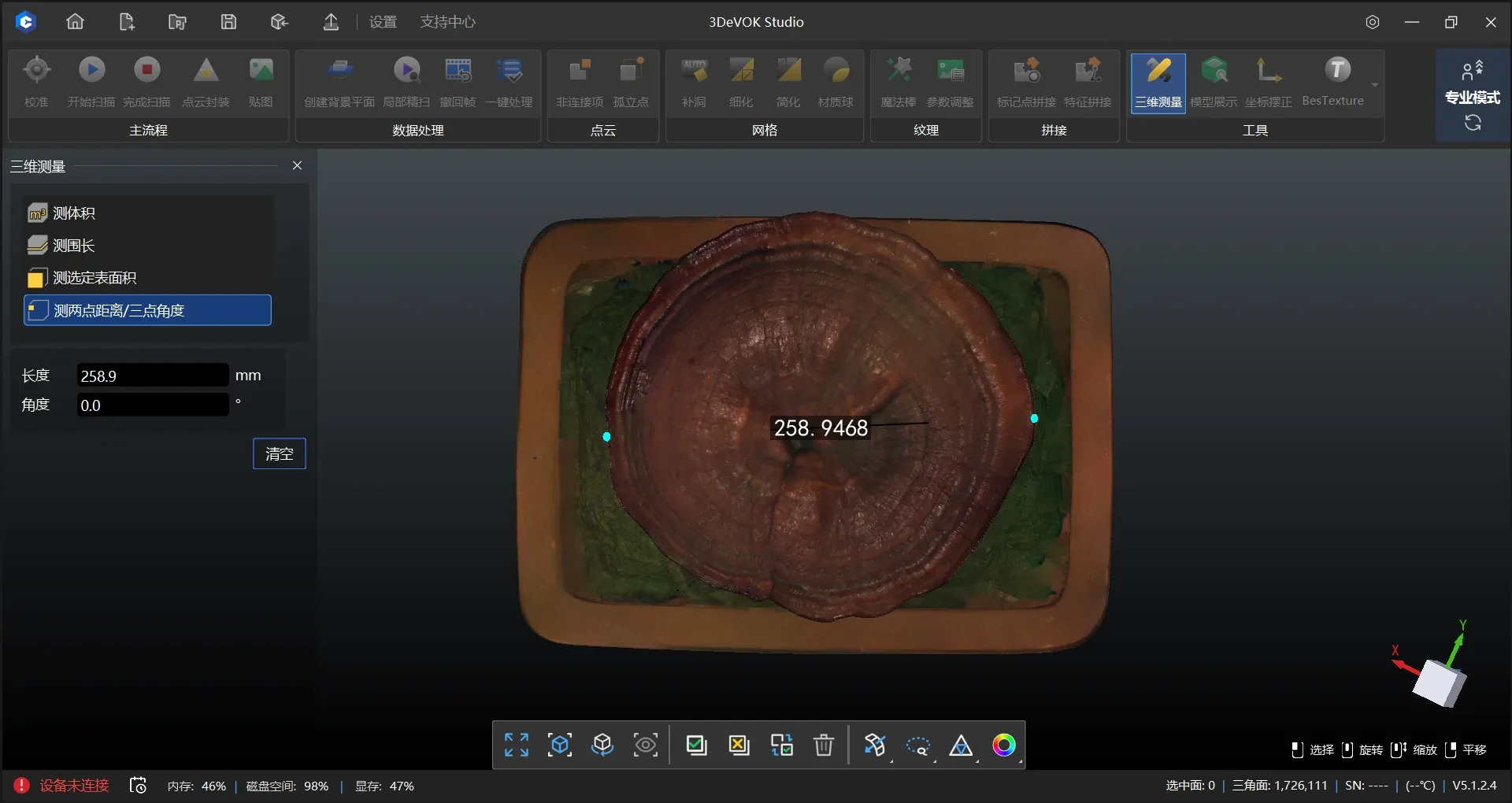
Colour capture enriches art, heritage and digital collection projects. Participants compare an object with its model and learn the difference between geometry and surface appearance.
SOLUTIONS / EDUCATION
3D scanning lets students and researchers bring real objects into a digital environment, analyse them and use them in projects.
Discuss a solution Explore the workflow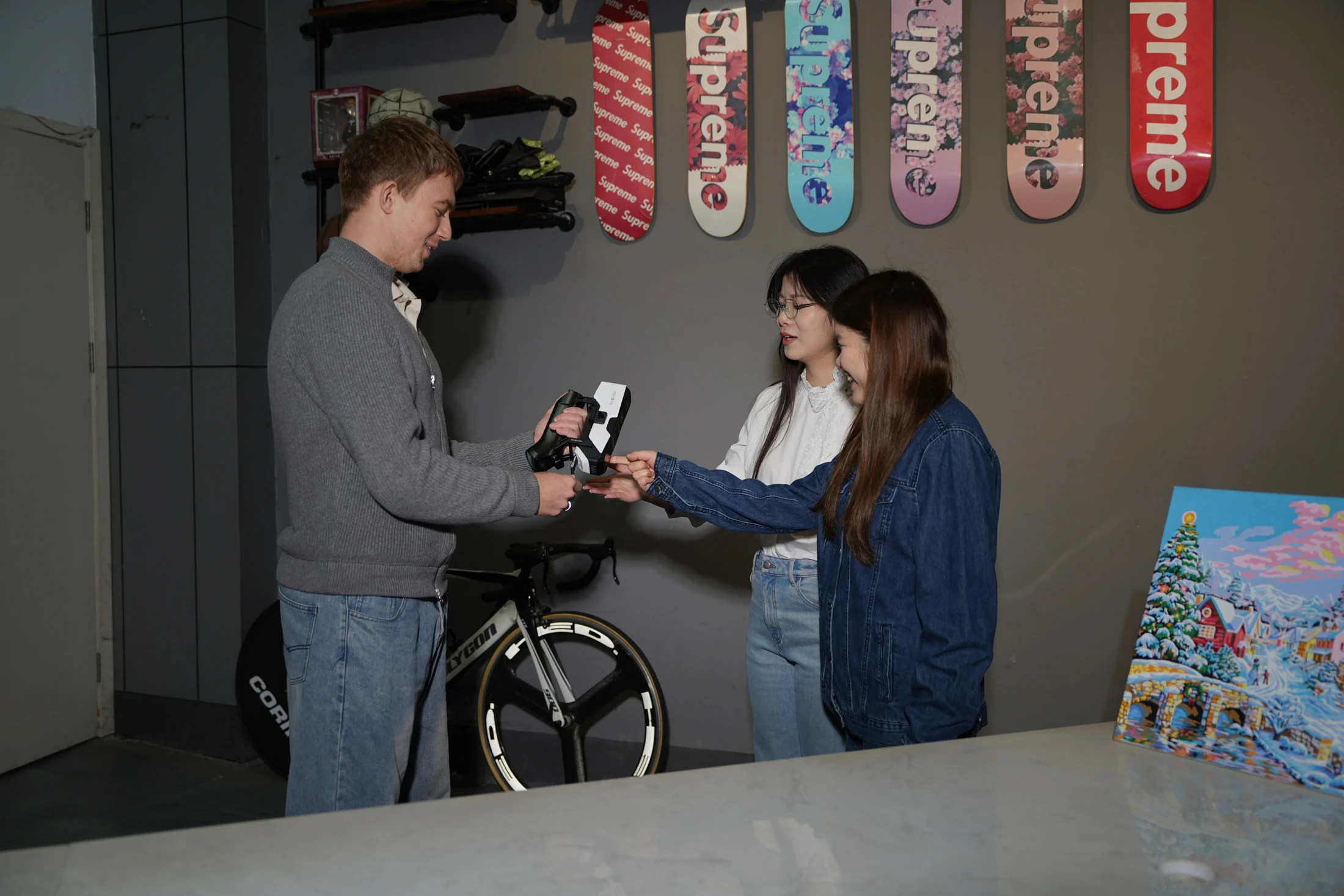
01 / ENGINEERING EDUCATION
By scanning, students bring a physical sample into a digital environment. They can link capture, reconstruction and development into a project with a clear object, process and result.
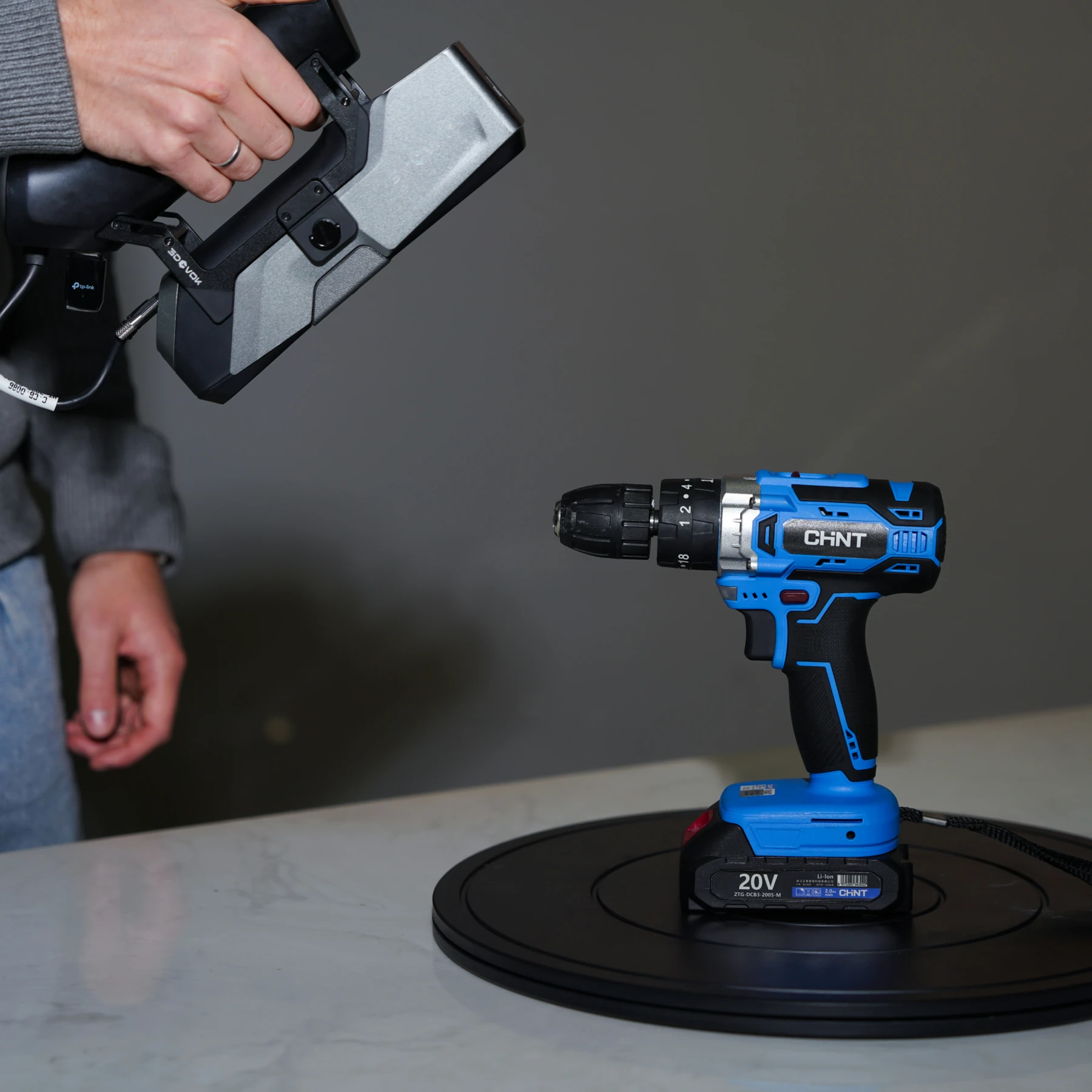
FROM OBJECT TO USABLE DATA
02 / TEACHING COLLECTIONS
Colour capture enriches art, heritage and digital collection projects. Participants compare an object with its model and learn the difference between geometry and surface appearance.
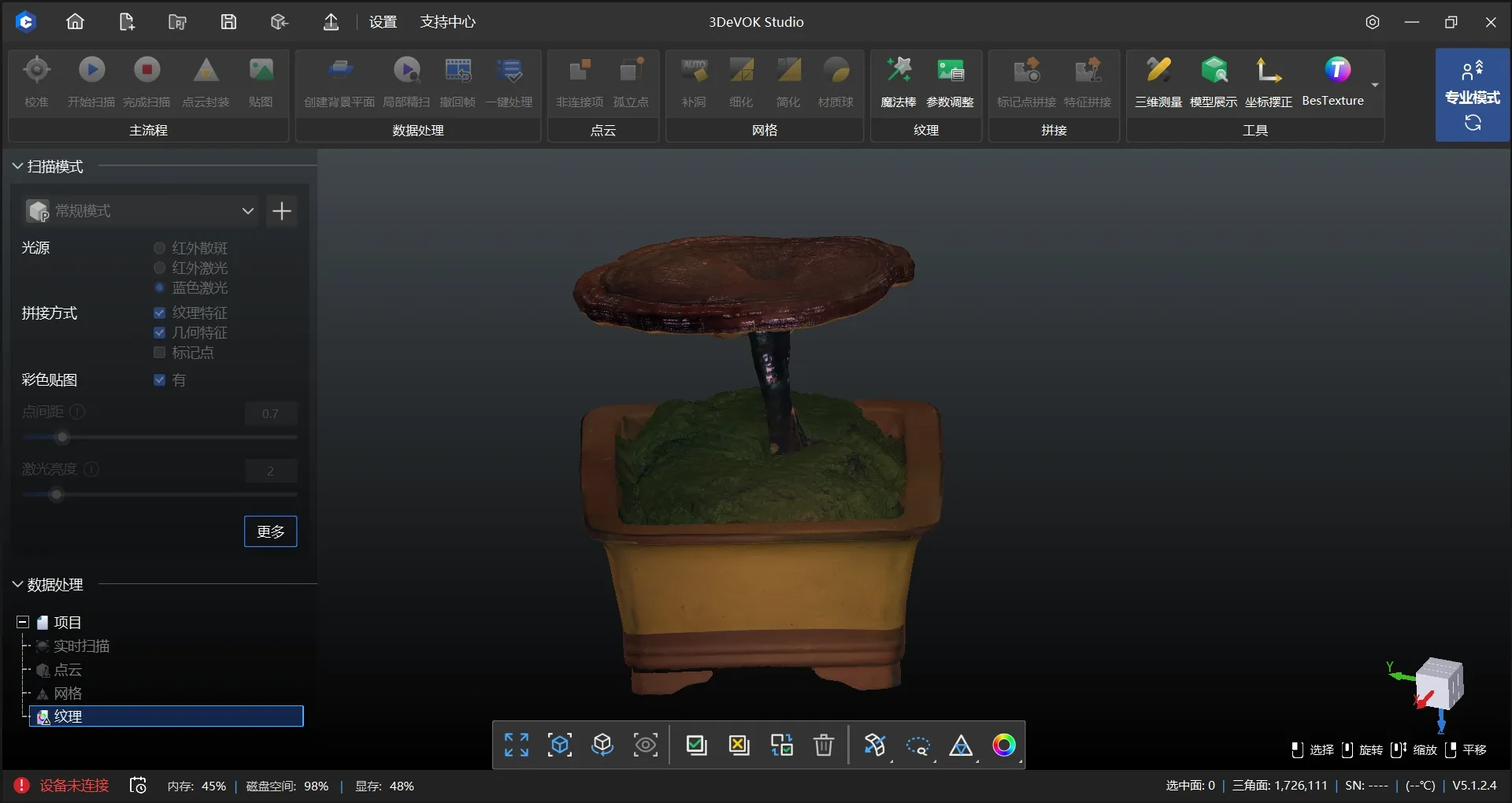
03 / 3D DATA PROCESSING
Cleaning, alignment and optimisation show how capture method and settings affect the result. Equipment and workflow should follow the learning goals and complexity of the objects.
04 / ANALYSIS AND PRESENTATION
The data allows shape comparison, visualisation and further processing in research projects. The project ends with analysis and a presentation of the process, findings and limits of the capture.
EXAMPLE TASKS
Capture, reconstruction and development based on physical samples.
Documenting objects and building digital teaching collections.
Data for shape comparison, visualisation and further processing.
WORKFLOW / BASIS FOR CHOICE
Equipment and workflow should follow the learning goals, object complexity and time available for training.
Enquiry checklistChoose an object and define what participants should be able to do at the end.
Carry out the capture and monitor surface coverage.
Prepare the mesh and compare how settings affect the result.
Use the model for analysis, reconstruction or a prototype.
Explain the process used, findings and limitations.
EXPLORE RELATED EQUIPMENT
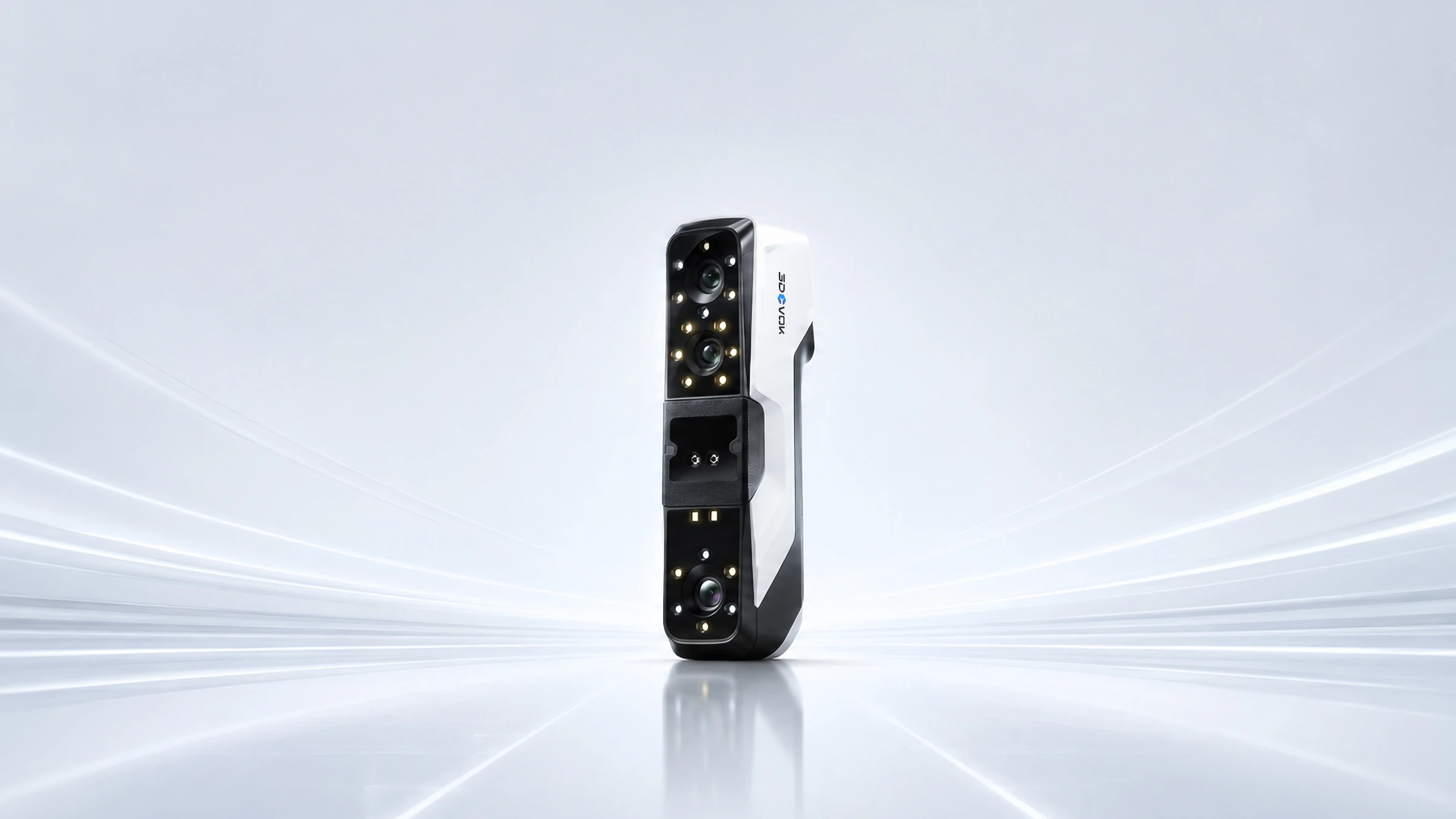
3DeVOK
Shape and colour. In one workflow.
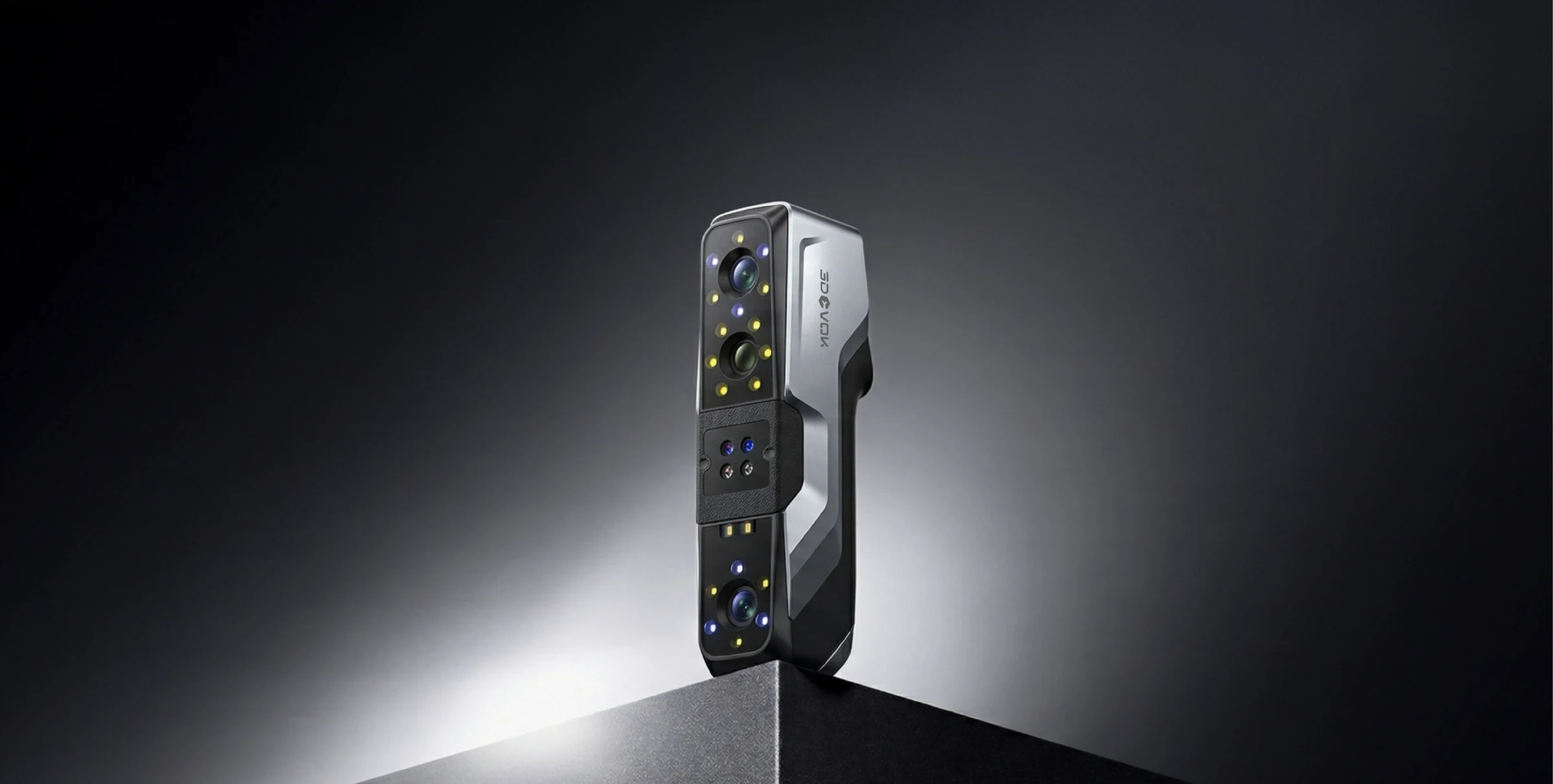
Explore the product ↗3DeVOK
Three capture modes. More options for your object.
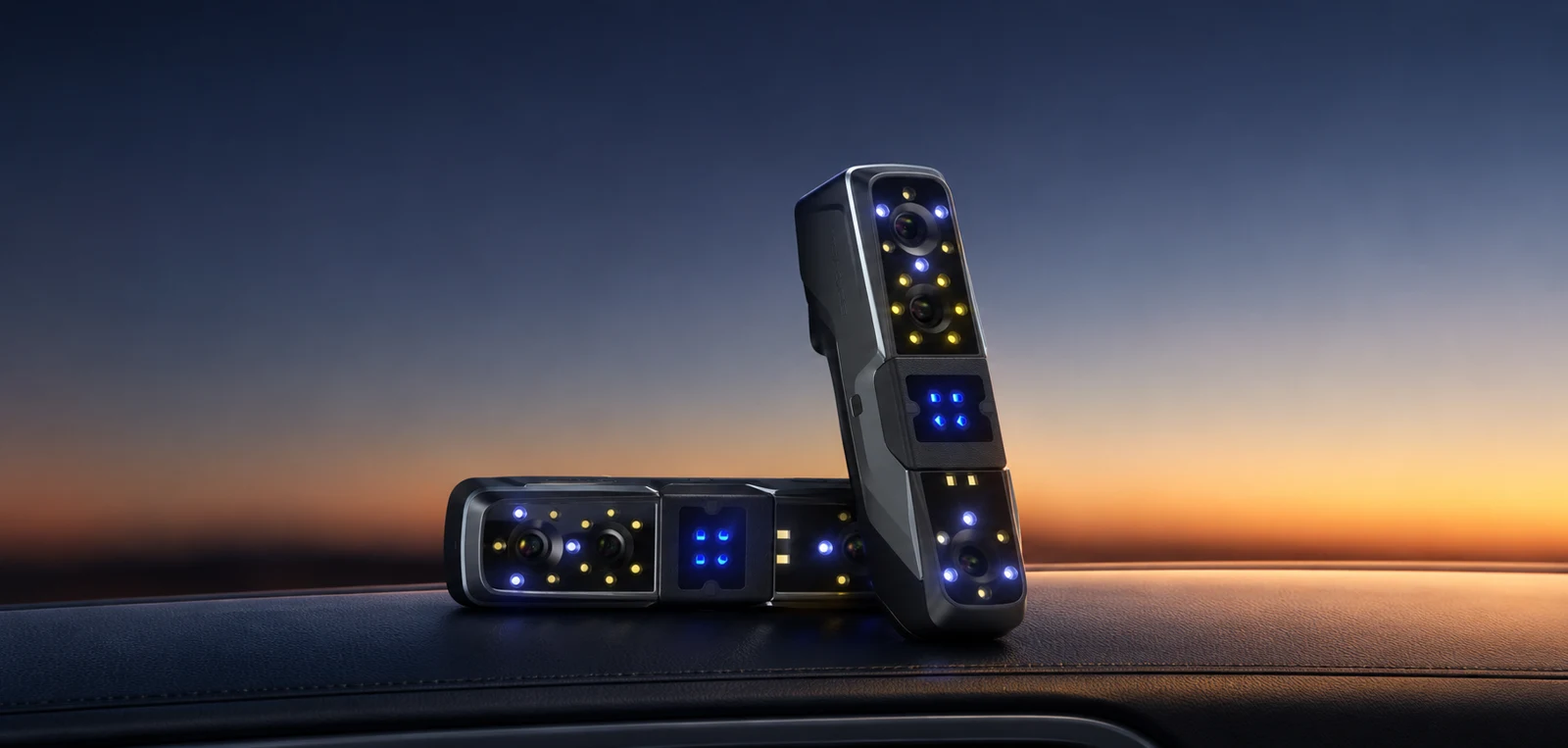
Explore the product ↗3DeVOK
Four light modes. Details that count.
Explore the product ↗3D ING / TALK ABOUT YOUR PROJECT
WHAT TO INCLUDE IN YOUR ENQUIRY
Teaching area, number of users, example objects, existing software and project goal.
What do you want to scan and what result do you need?
Describe the object, its size, material and the intended use of the data. Together we can clarify the basis for choosing equipment.